A breastfeeding timer that remembers the side for you
“Which side did I start on?” is the question every nursing parent asks at 3 a.m. Baby Tracker answers it at a glance. Tap L or R, tap Start, and the timer keeps running even if you lock your phone or it loses signal. Your partner sees the same feed ticking on their phone. It is free, with no account.
- Free, no trial
- No account
- Unlimited caregivers
- Saves to your Google Drive
- Works offline
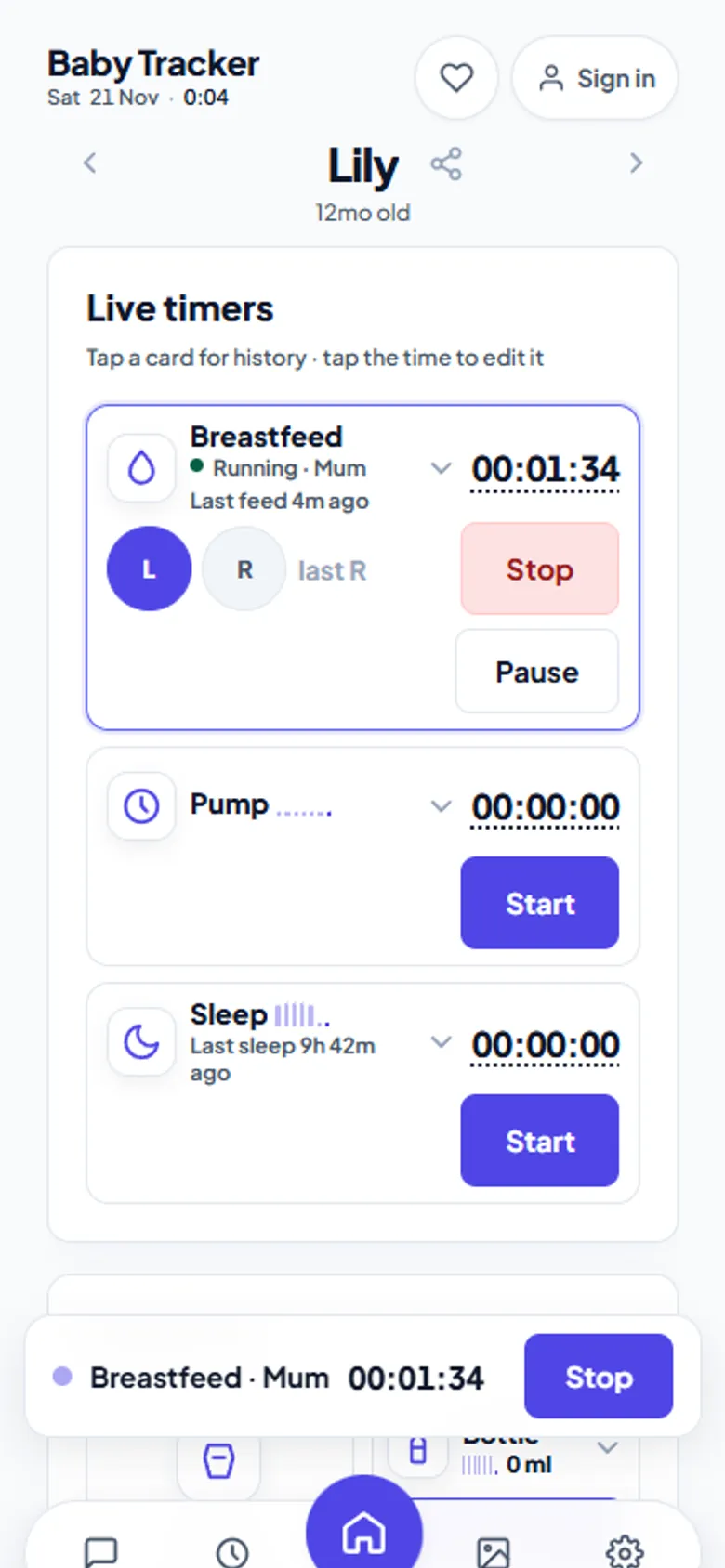
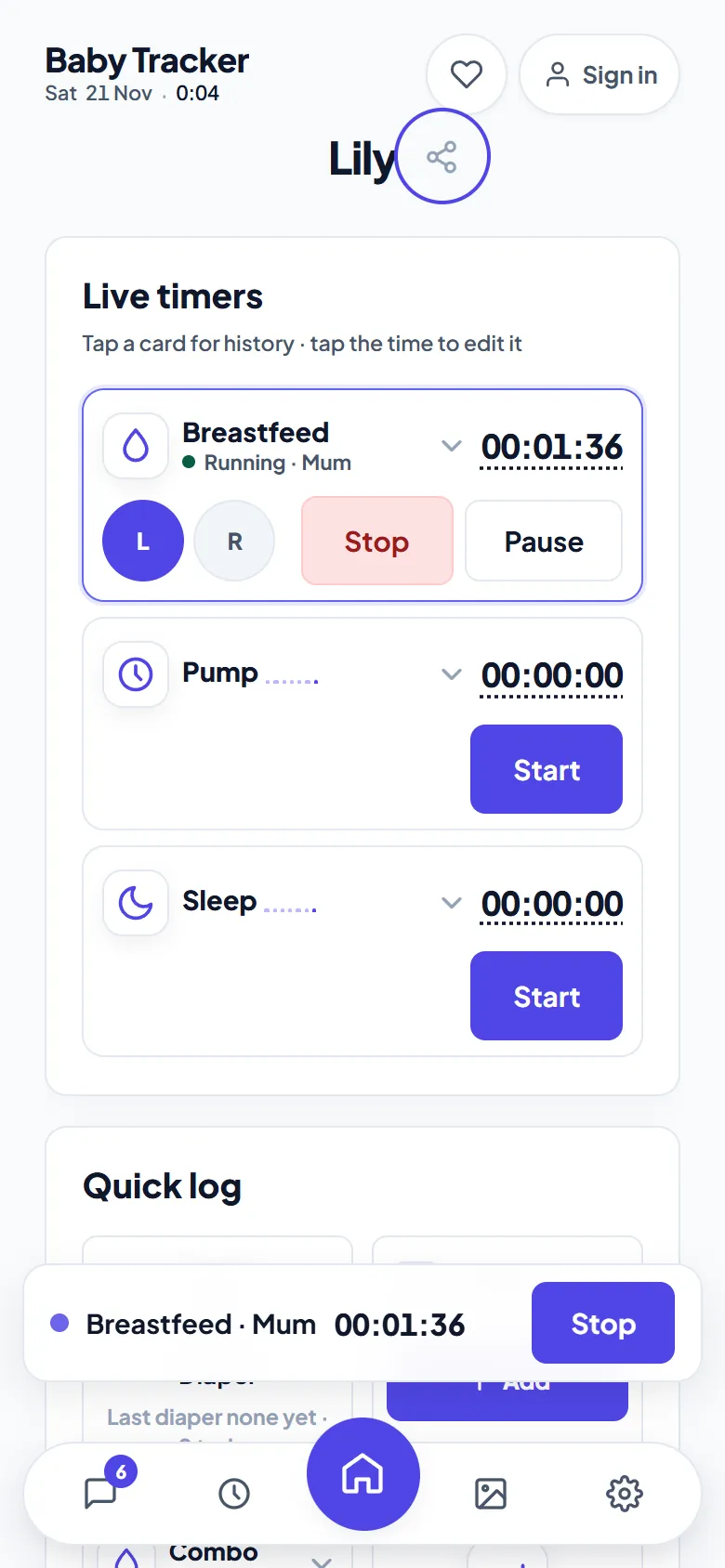
How the breastfeeding timer works
- Pick a side. Tap L or R. By default, the next feed suggests the other side from last time.
- Tap Start. The timer counts from that moment. Pause it for burping, then carry on.
- Tap Stop. The feed is saved with its side, duration and who logged it, and appears in everyone's timeline at once.
- Forgot to start it? Tap the time to edit the start, or log a past feed from Quick log.
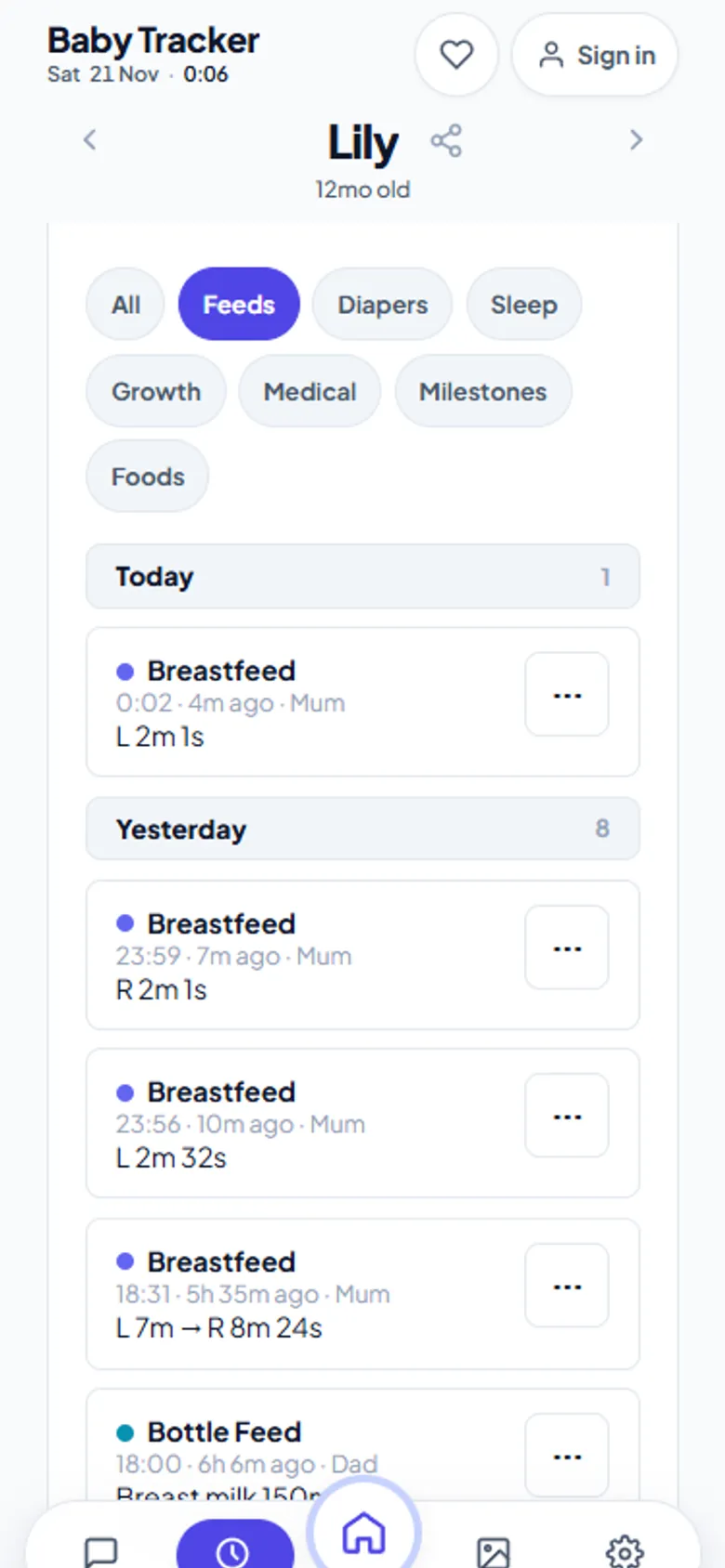
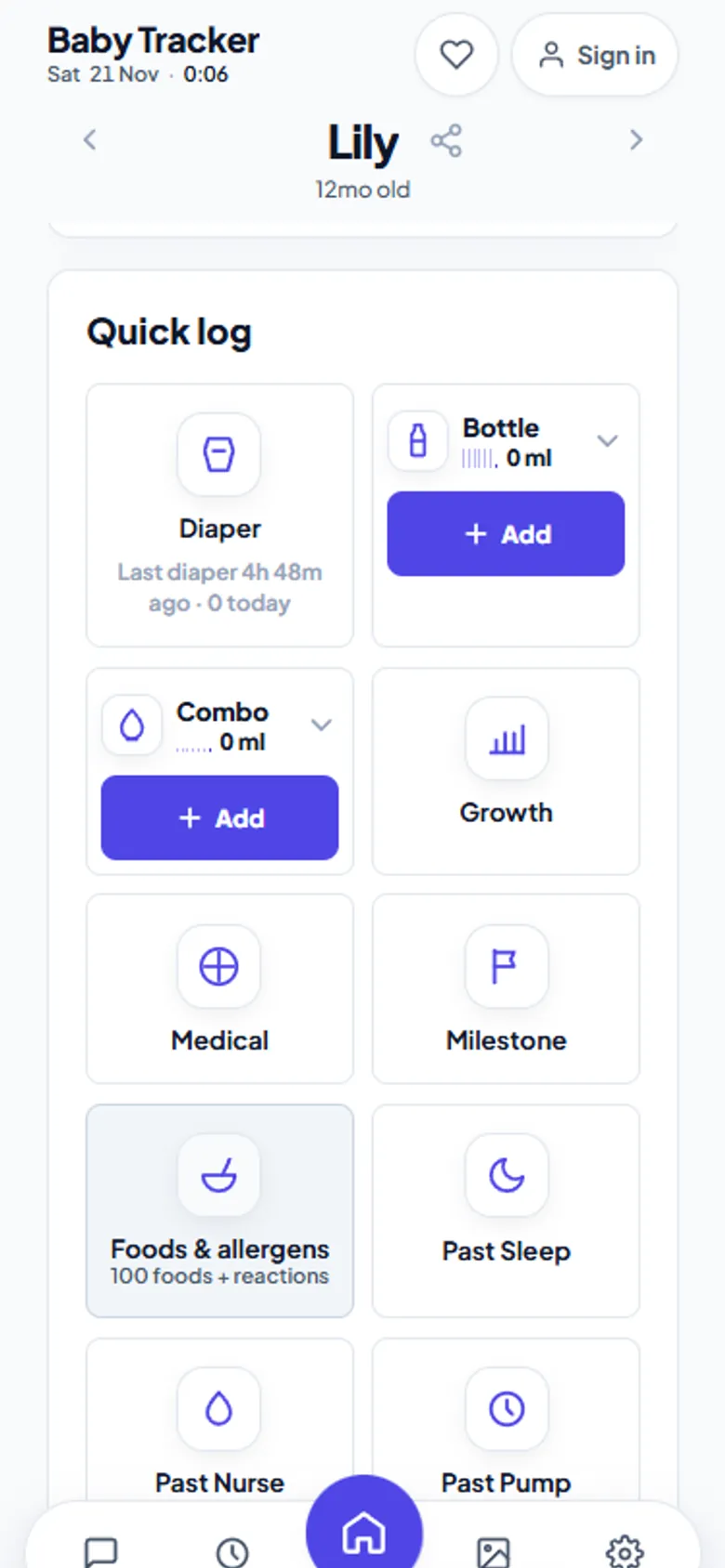
See the last feed at a glance
The Breastfeed card always shows how long ago the last feed was. A small seven-day bar chart sits beside the name, and tapping the card opens that week's history. The floating timer bar stays on screen while you switch tabs, so stopping a feed never means hunting for the right page.
- Pumping too. A separate pump timer records left, right and total volume.
- Bottles and combo feeds. Breast milk and formula volumes, from Quick log.
- Keep screen on. An optional setting stops the phone sleeping mid-feed.
- Night mode. A dark theme, or automatic dark from 7 p.m. to 7 a.m., so the screen does not wake the baby.
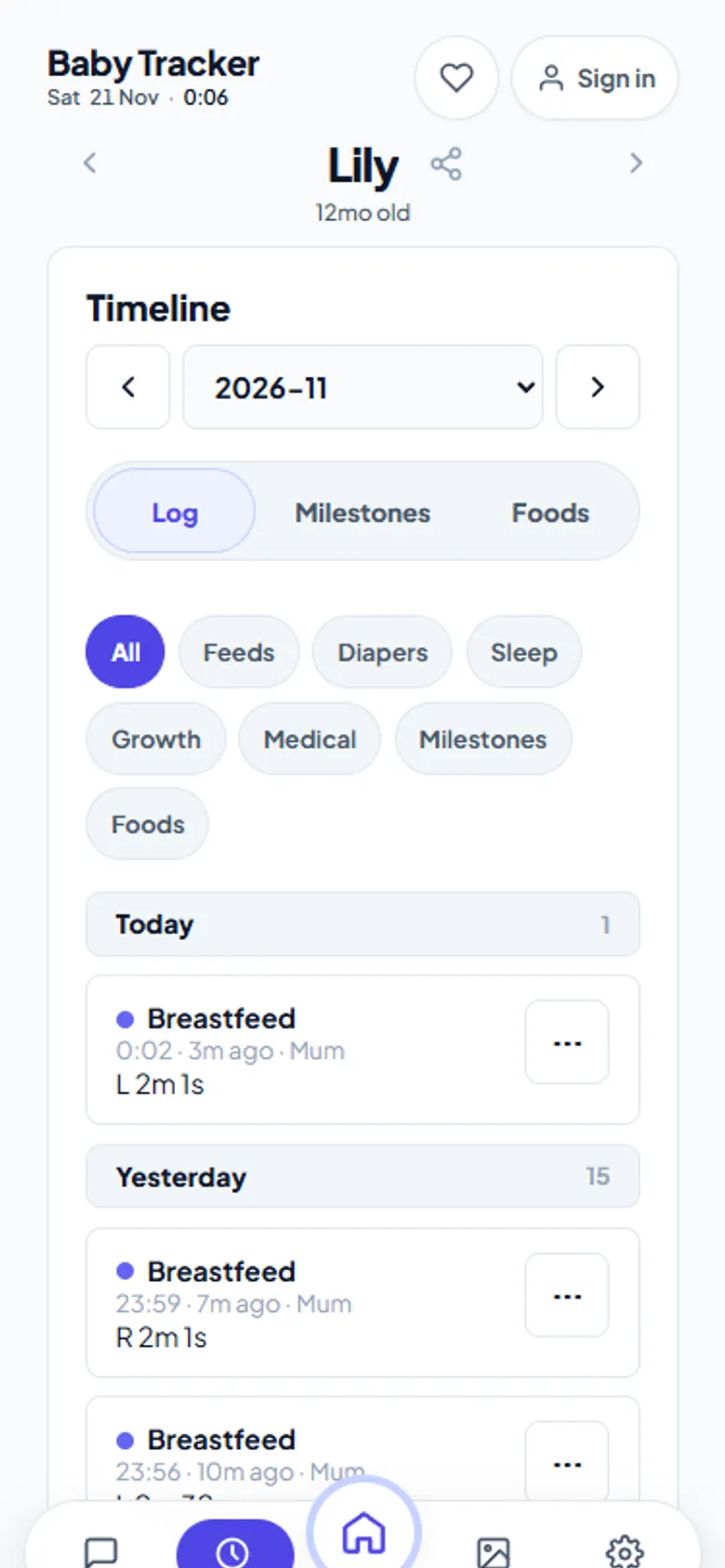
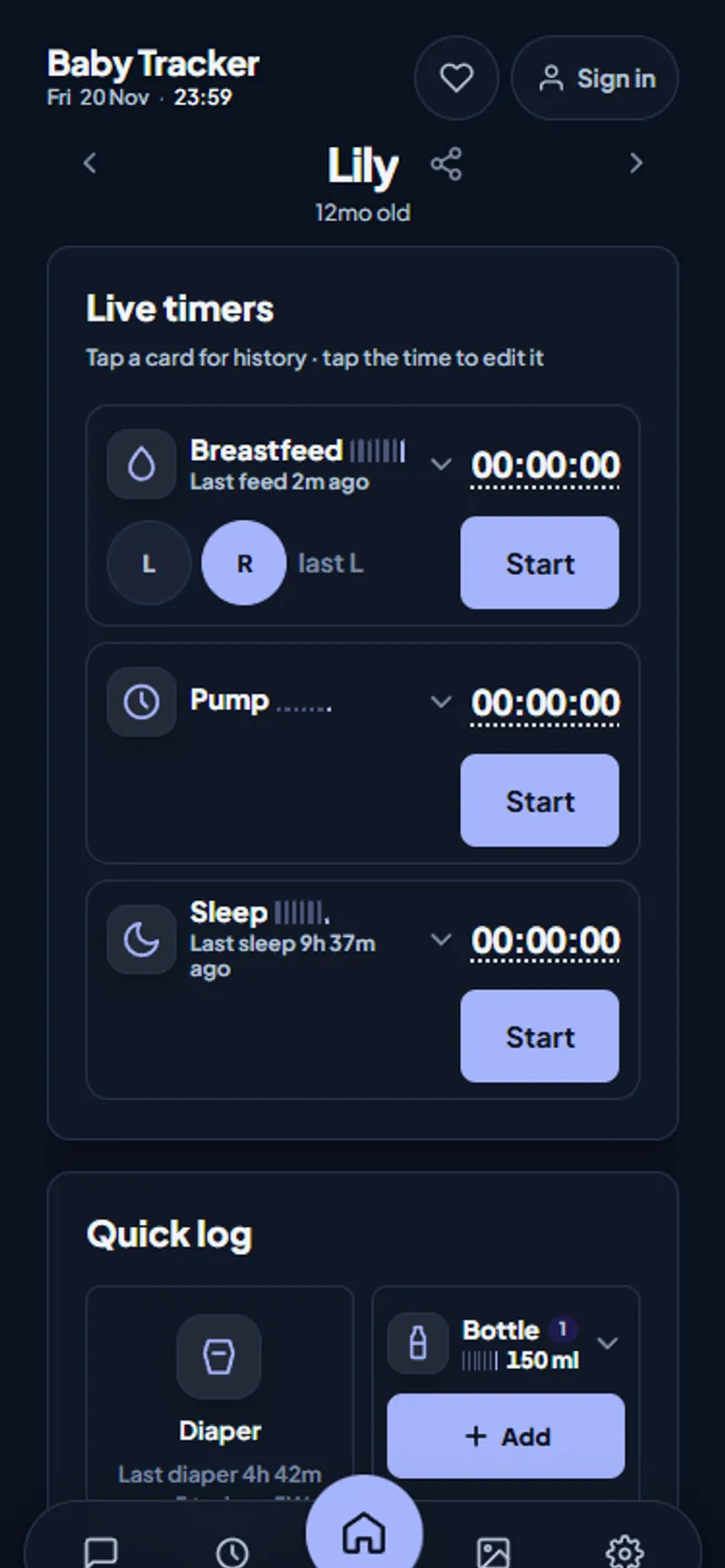
One feed, both phones
When one parent starts a feed, every caregiver who joined with the share code sees the same timer ticking. It counts from the same start time, not from when their app opened. Either of you can stop it. That is how one parent can sleep through a night feed and still know in the morning exactly what happened. See how sharing works.
Honest limits
There is one running breastfeed timer per child, and starting a second offers to stop and restart instead. There are no push notifications for “feed due” reminders, because it is a web app installed from your browser. Without Google Drive connected, the history stays in that one browser.
Frequently asked questions
Is there a free breastfeeding timer app with left and right sides?
Yes. Baby Tracker on aczh.dev has a free breastfeeding timer with left and right side buttons, pause, editable start times and a seven-day history, with no account or subscription.
How do I remember which side I fed on last?
Baby Tracker shows the last feed on the Breastfeed card and, by default, suggests the opposite side for the next feed, so you can see which side to start on at a glance.
Can my partner see the breastfeeding timer?
Yes. Anyone who joins your child with the share code sees the same running timer on their own phone, counting from the same start time, and can stop it.
Does the timer keep running if my phone locks?
Yes. The timer counts from the saved start time, so it shows the correct duration when you unlock the phone, even if the app was closed or offline.