A free baby tracker with no subscription, ever
Most baby tracker apps are free to download and then quietly become paid, through a trial, a feature lock or a premium tier for sharing with your partner. Baby Tracker on aczh.dev has none of those. Every feature works from the first minute, with no account and no ads.
- Free, no trial
- No account
- Unlimited caregivers
- Saves to your Google Drive
- Works offline
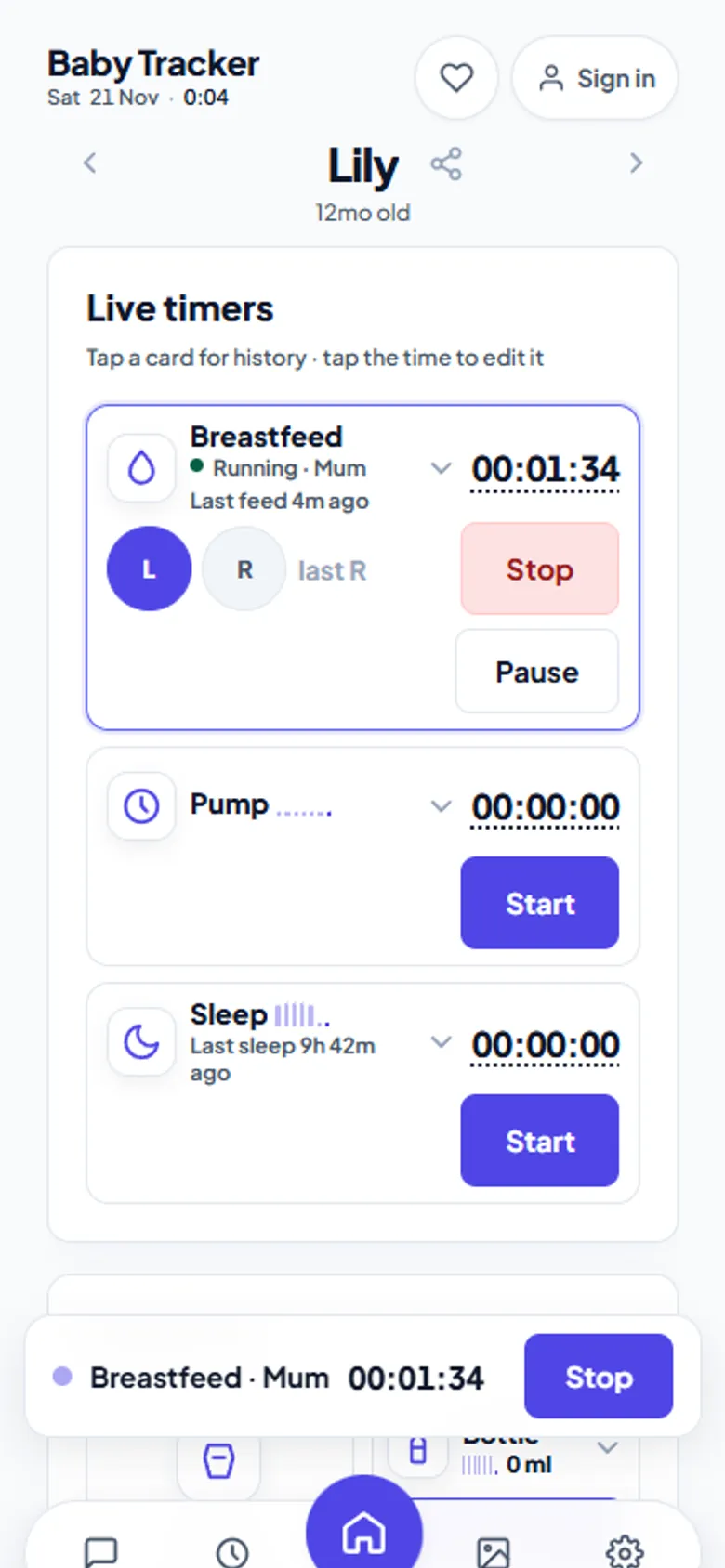
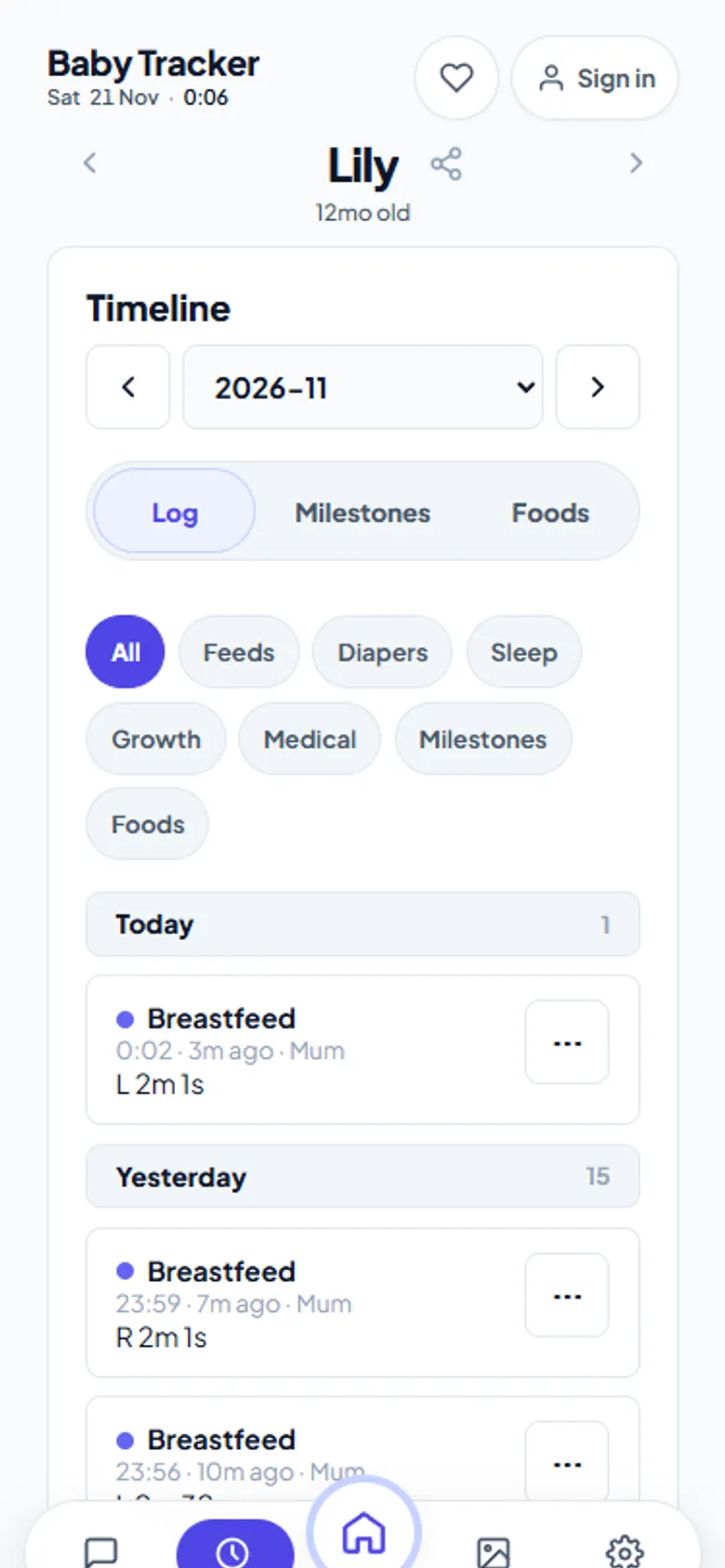
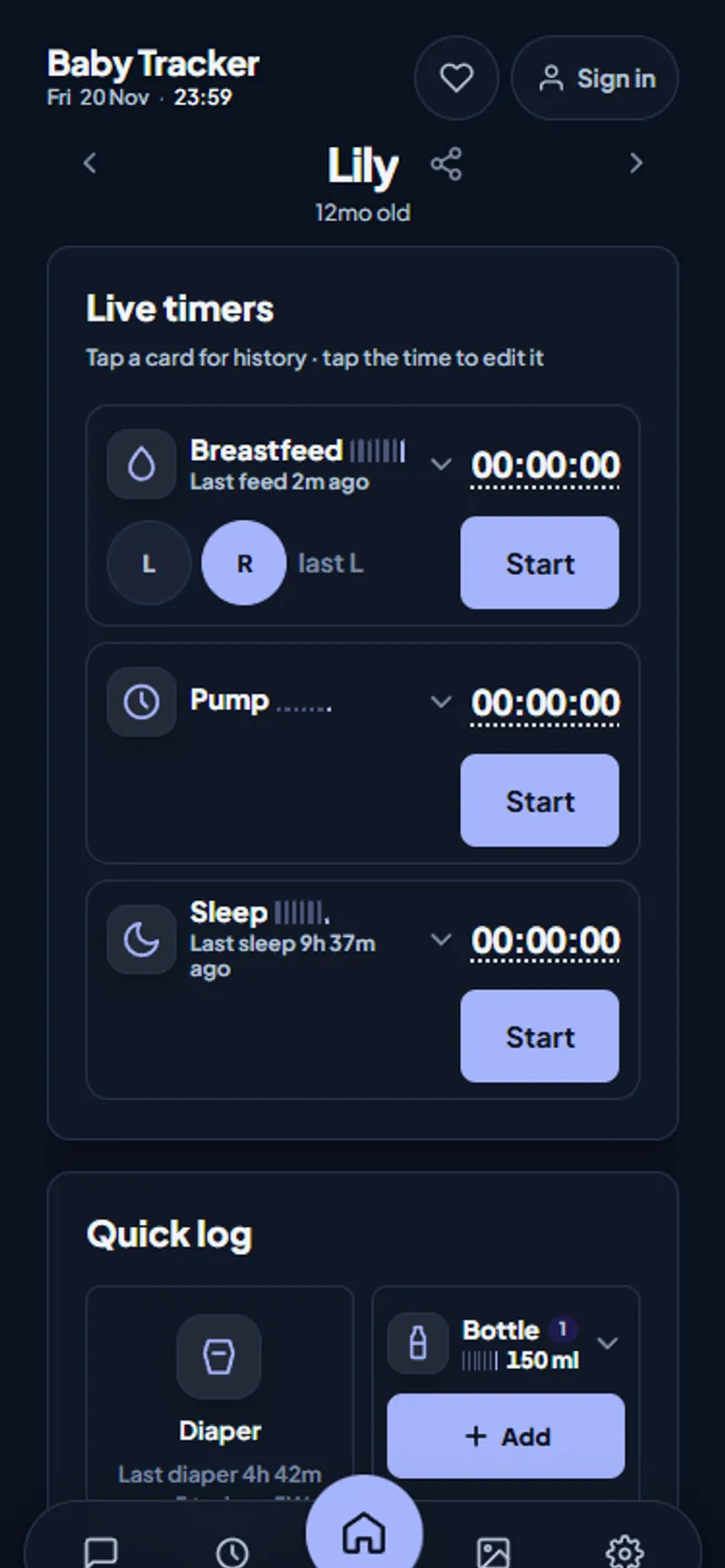
What you can track
| Log | Details |
|---|---|
| Breastfeeding | Live timer with left and right sides; edit times after the fact |
| Pumping | Live timer, left, right and total volume |
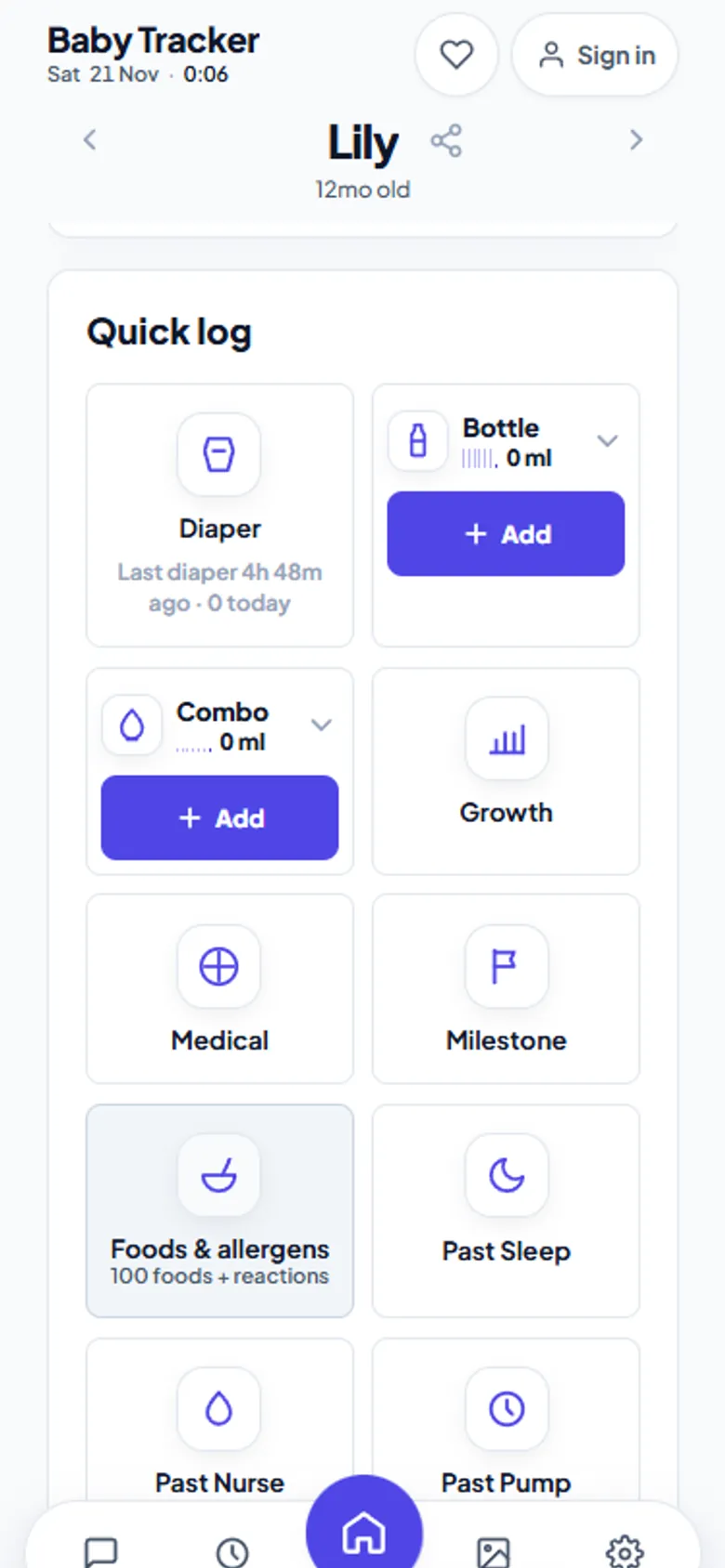
| Bottle and combo feeds | Breast milk, formula name and volume |
| Diapers | Wet, dirty or both, with colour and texture |
| Sleep | Live nap timer, or log a past sleep |
| Growth and medical | Measurements, medication and temperature |
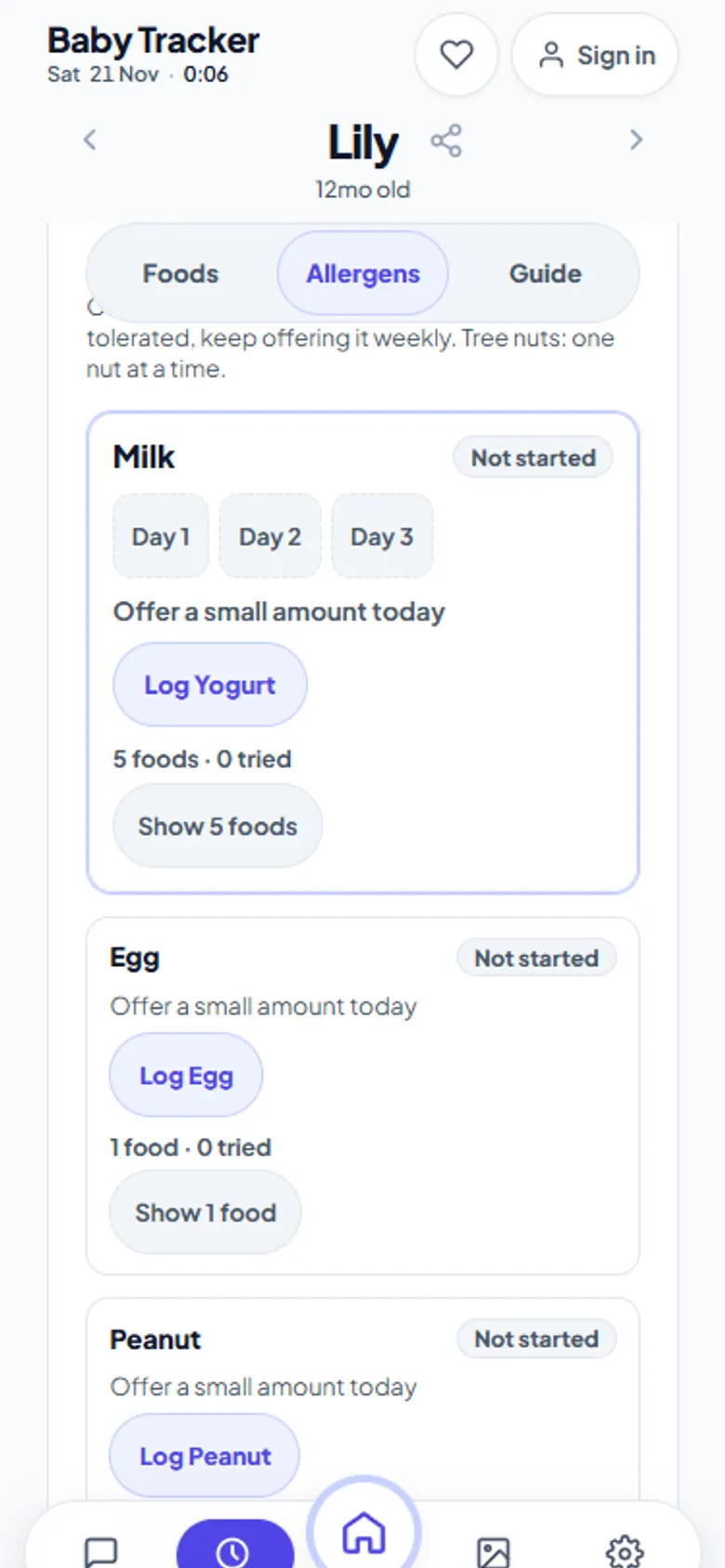
| Foods before one | A 100-food starter list with allergen tracking |
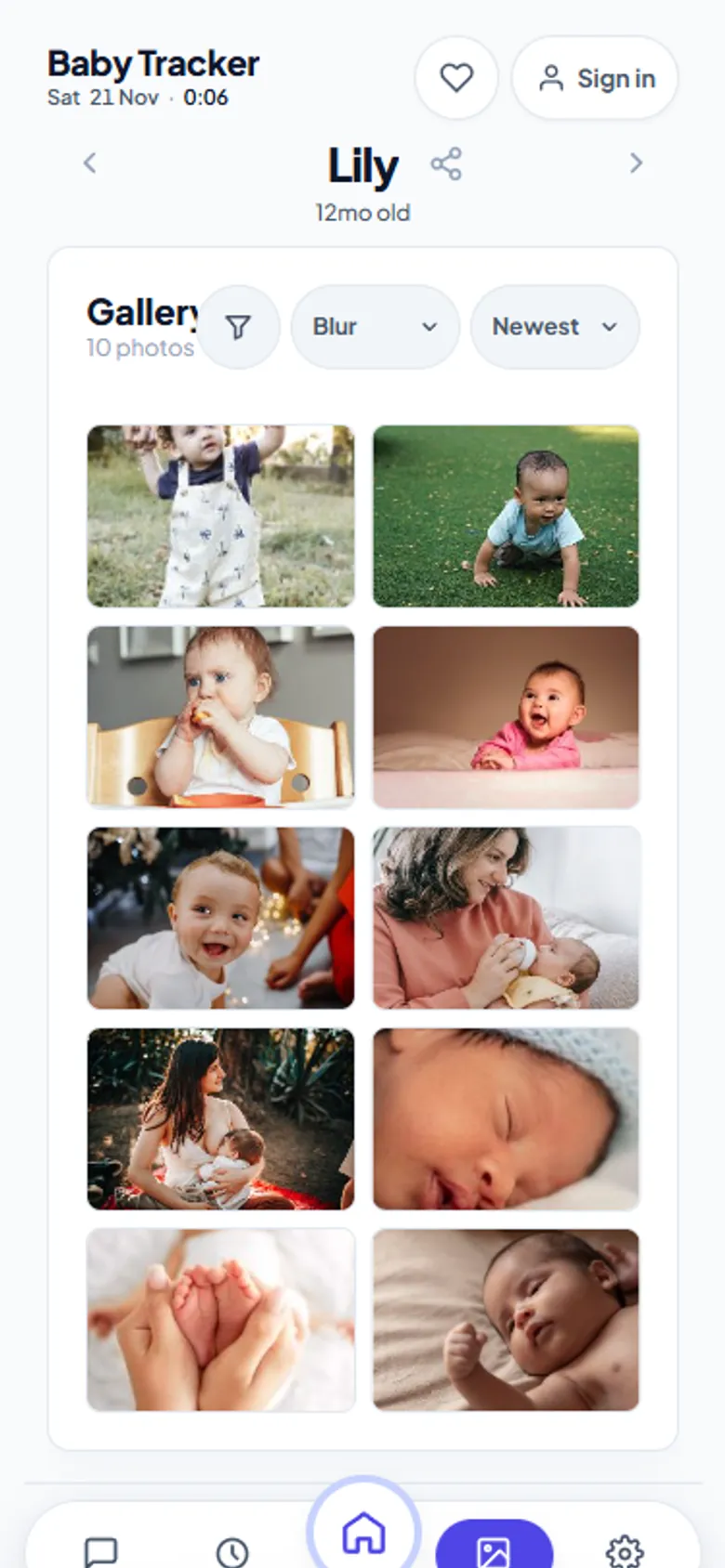
| Milestones, photos, videos | A gallery and milestone feed saved to your own Drive |
How it can be free
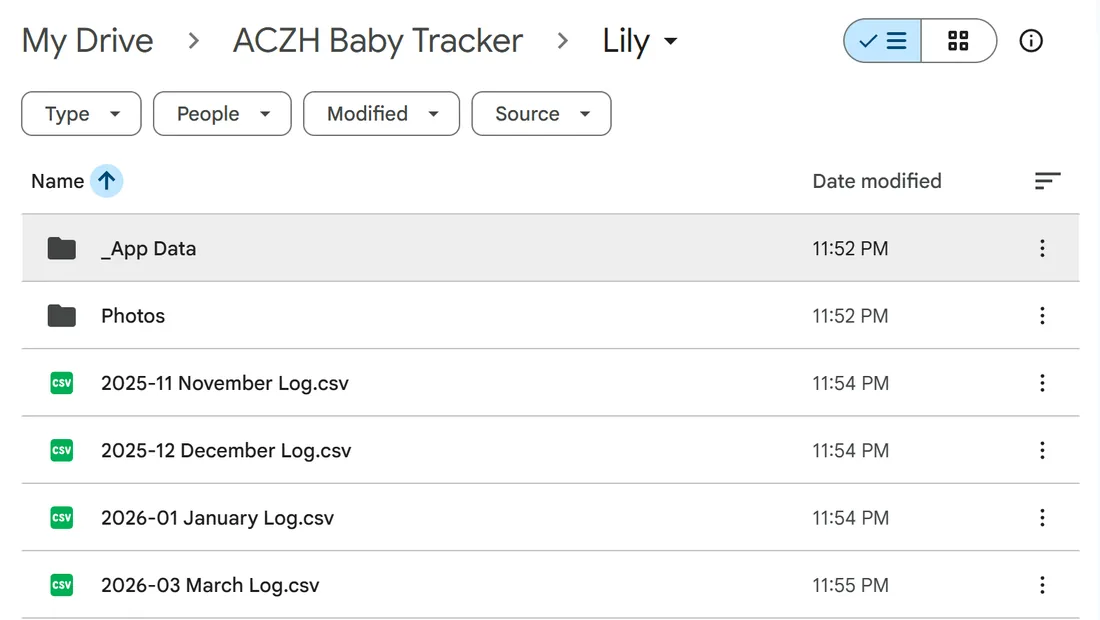
Baby Tracker does not store your history on a server it has to pay for at scale. Your logs live in your browser and, once you connect it, in your own Google Drive. That is the expensive part of a baby app, and you already own it. The small live-sync relay only passes updates between your devices and keeps chat for 24 hours. So the running cost stays low enough for optional contributions to cover it. There are no ads and no data is sold.
Start in under a minute
- Open aczh.dev/baby-tracker on your phone.
- Enter your baby's name and birthdate. No email, no password.
- Tap a timer card to start a feed or nap, or use Quick log for diapers and bottles.
- Install it to your home screen so it opens like an app and works offline.
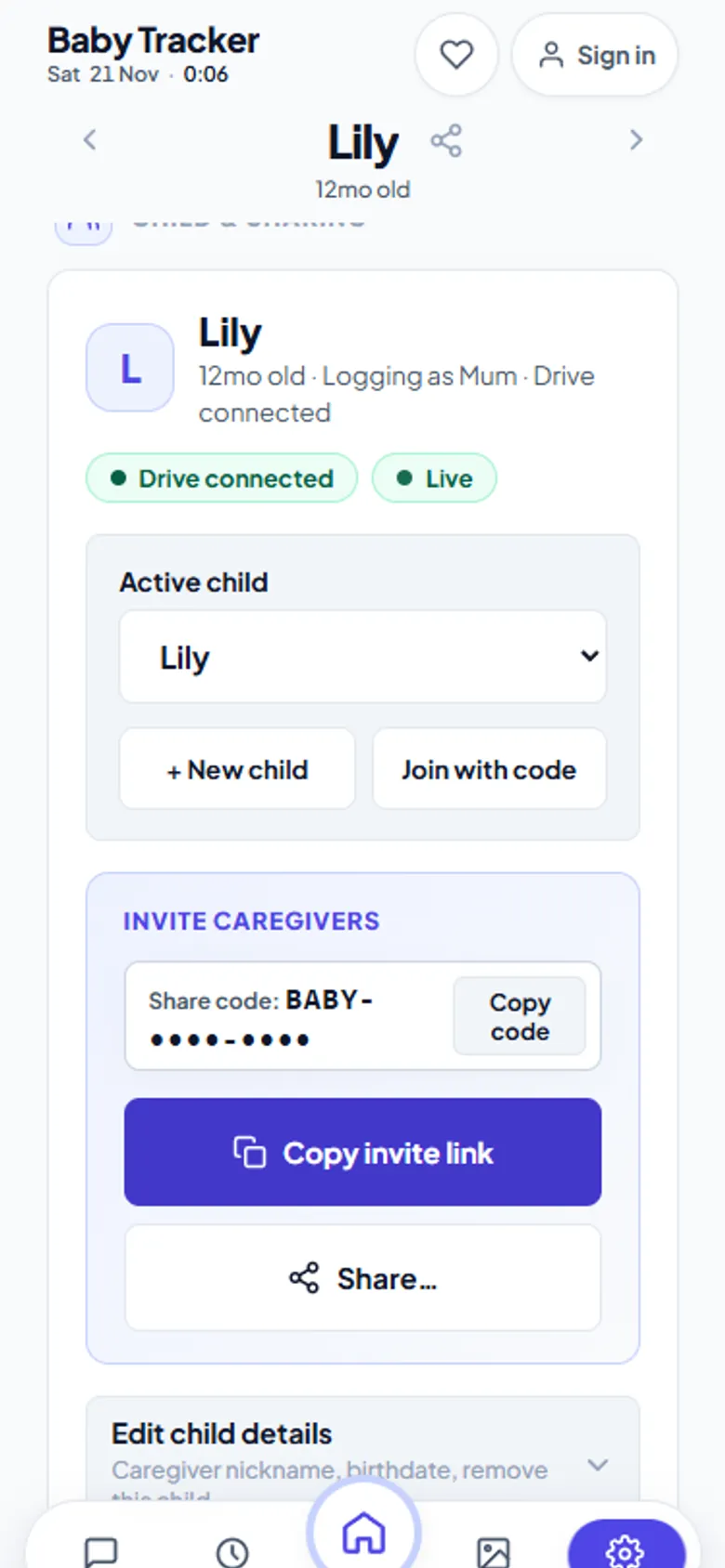
- Optional: connect Google Drive for a permanent backup, and share the invite code with your partner.
What to check before trusting any free baby app
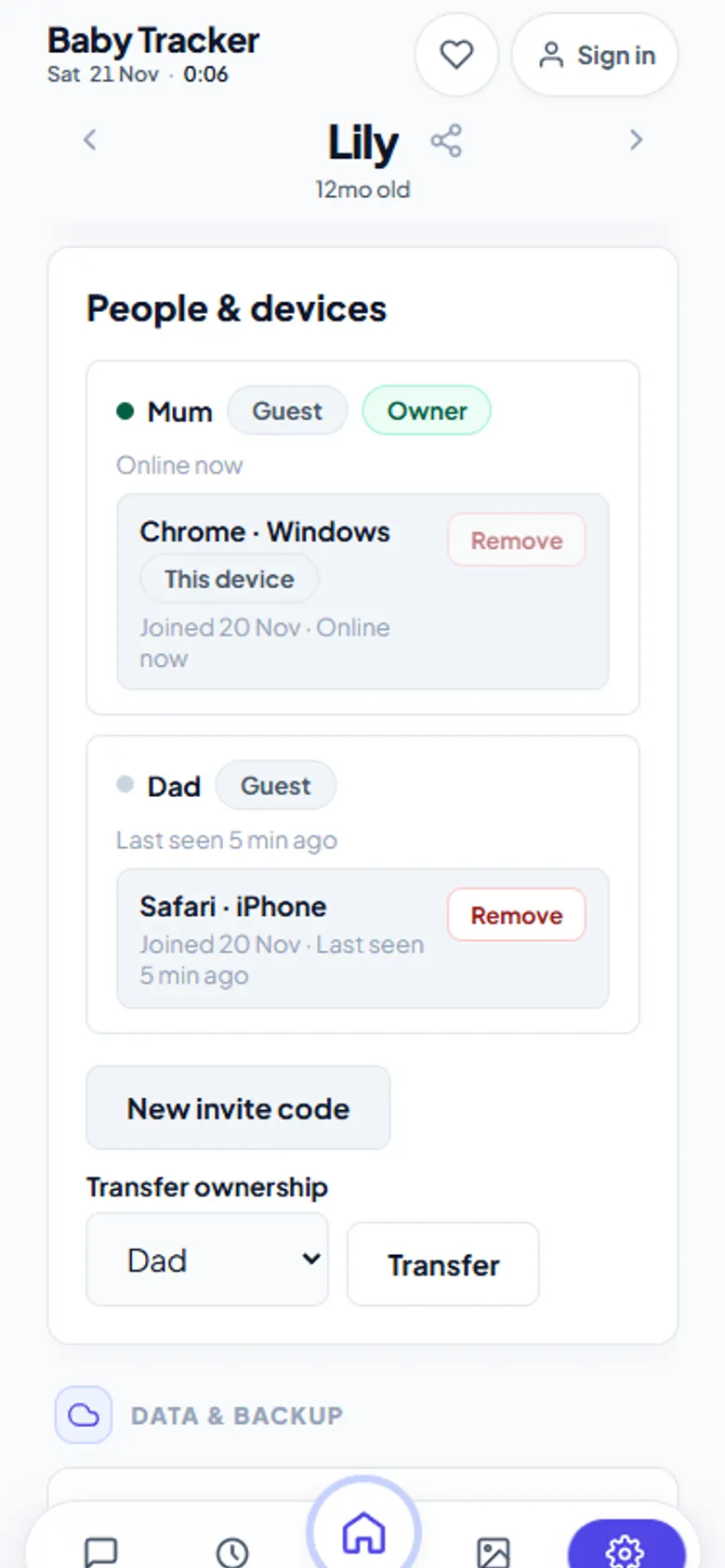
- Is sharing with a partner free? Many apps put the second caregiver behind a paywall. Here it is free, with no limit on caregivers.
- Can you export everything? Baby Tracker saves a plain CSV for every month, and has an Export CSV button.
- Does it work at 3 a.m. with no signal? Logs made offline wait on your phone and sync when you reconnect.
- What happens when the trial ends? There is no trial, so nothing ends.
Honest limits
It is a web app you install from the browser rather than the App Store, so there are no push notifications for feeding reminders. Without Google Drive connected, data stays in one browser. Clearing that browser's storage clears the log, so connect Drive if the history matters to you. It does not offer medical advice, and nothing in it replaces your paediatrician.
Frequently asked questions
Is there a baby tracker app that is completely free?
Yes. Baby Tracker on aczh.dev is free with every feature included: feeding and sleep timers, diapers, pumping, growth, caregiver sharing, chat and CSV export. There is no subscription, trial or ad.
Do I need to create an account to use it?
No. You can log straight away, signed out and anonymous. An optional account only carries preferences between devices.
Can I use it on iPhone and Android?
Yes. It runs in any modern browser. Install it to the home screen with Share, Add to Home Screen on iPhone, or Install app on Android, and it opens in its own window and works offline.
Where is my baby's data stored?
In your browser and, once connected, in your own Google Drive as one JSON file and one CSV file per month. The sync relay keeps no history except chat, which it deletes after 24 hours.