A free Nara Baby alternative that stays free
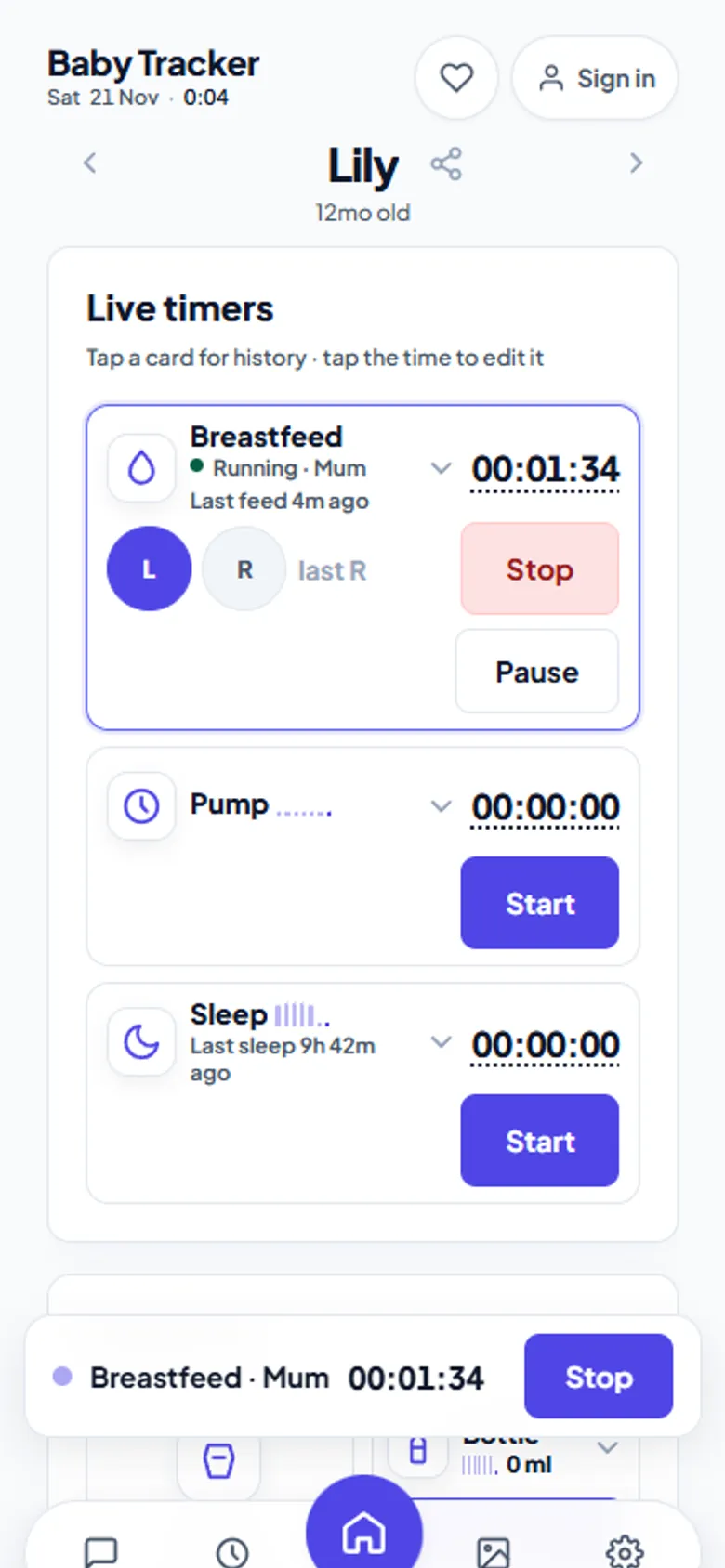
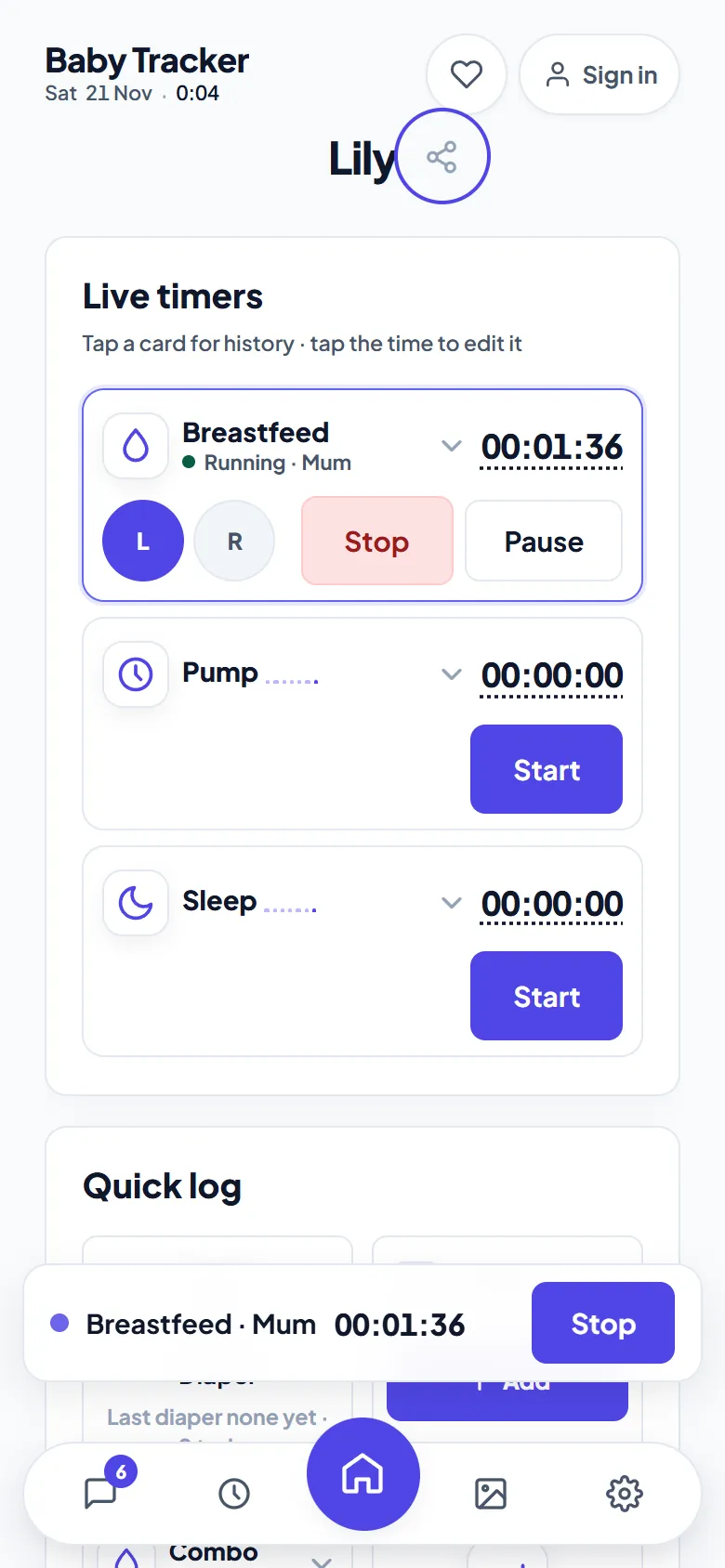
Baby Tracker on aczh.dev logs breastfeeds, pumping, bottles, diapers, sleep and growth the way Nara Baby does — with timers both parents see live. There is no trial to run out and no paywall to hit. You can bring your whole Nara history across from its CSV export in about a minute.
- Free, no trial
- No account
- Unlimited caregivers
- Saves to your Google Drive
- Works offline
Why parents look for a Nara Baby alternative
Nara Baby earned its reputation as a clean, simple baby log. The complaint parents raise is about what comes after the download. Newer versions show a free trial in onboarding, then ask you to subscribe to keep the full app. Exact terms depend on version and region. By the time that prompt appears, you have weeks of feeds and naps in the app. Switching then feels risky.
Baby Tracker removes that decision entirely. Every feature — live shared timers, unlimited caregivers, chat, photos, CSV export — is available from the first tap. Nothing turns off later. There is no premium tier to upgrade to.
Baby Tracker vs Nara Baby at a glance
| Baby Tracker (aczh.dev) | Nara Baby | |
|---|---|---|
| Price | Free, every feature, no trial | Free download; newer versions show a trial and subscription prompt |
| Account required | No — works signed out and anonymous | Nara account for family sharing |
| Shared live timers | Yes — one ticking timer on every caregiver's phone | Family sharing of logs |
| Breastfeed, pump, bottle, combo feeds | Yes, with left/right sides and volumes | Yes |
| Diapers, sleep, growth, medical | Yes | Yes |
| Where data lives | Your own Google Drive, as JSON plus a plain CSV per month | Nara's cloud |
| Data portability | Imports the Nara CSV export; exports its own CSV any time | CSV export |
| Works offline | Yes — installable web app, logs queue until you reconnect | Native app |
| Platforms | Any phone or computer with a browser; install to home screen | iOS and Android apps |
How to switch from Nara Baby in four steps
- Export from Nara. In the Nara Baby app, use its data export to save your history as a
.csvfile. Email it to yourself if it is on your phone. - Open Baby Tracker. Go to aczh.dev/baby-tracker. No sign-up — set your baby's name and birthdate, or leave them for the import to fill in.
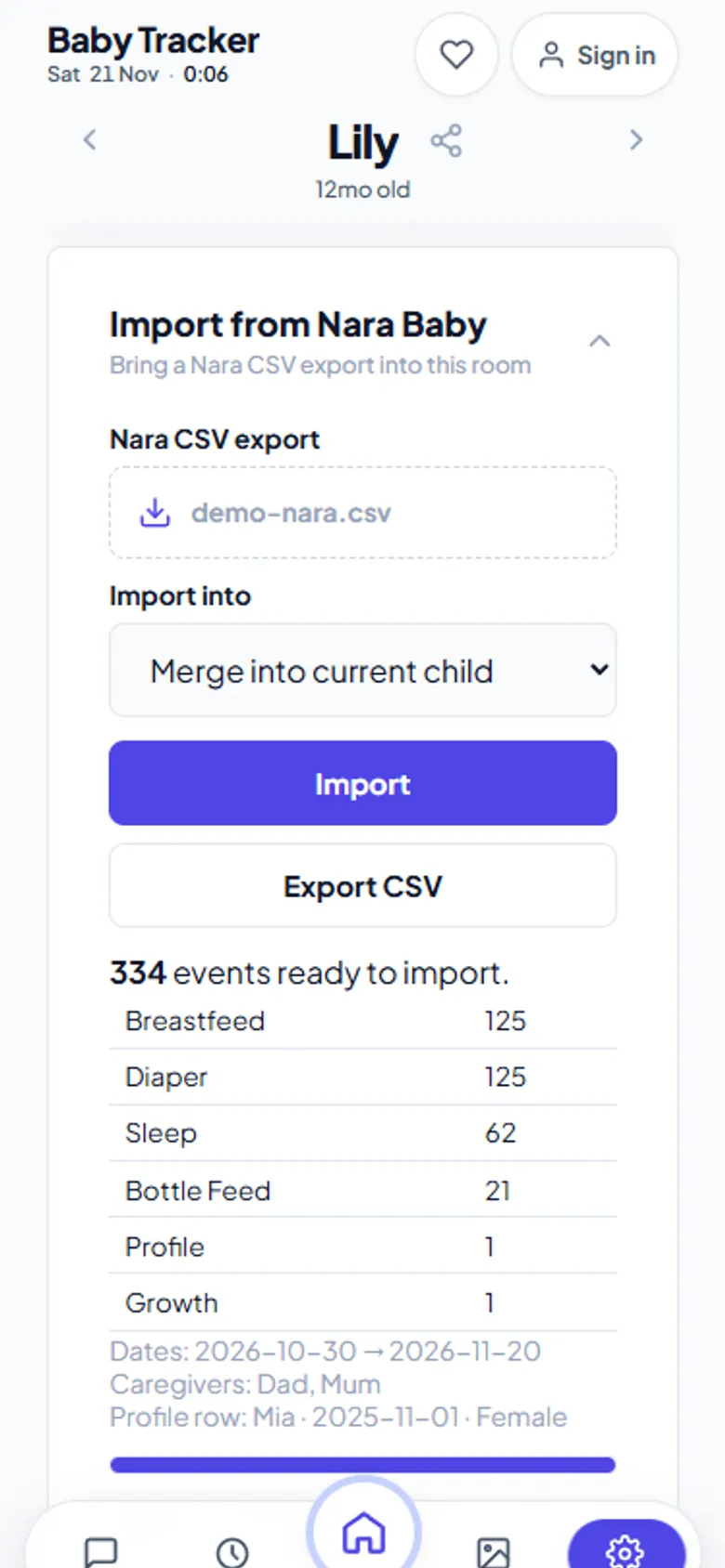
- Import the CSV. Open Settings › Import from Nara Baby, choose the file, and check the preview. It shows counts per type, the date range and caregiver names. Then press Import.
- Invite your partner. Share the child's invite code or link. Their phone joins the same live log, and you are done with subscriptions.
The full walkthrough, including exactly which Nara columns carry across, is in how to export Nara Baby data.
What carries across from Nara
The importer reads every activity type in a Nara export: Breastfeed (begin and end side, left and right durations), Pump (duration, left, right and total volume with units), Bottle Feed and Combo Feed (breast milk and formula volumes, formula name), Diaper (type, colour and texture), Sleep, Growth and Medical (medication and temperature). It also reads the child's profile, notes, caregiver names and time zones. Timestamps come from Nara's exact epoch columns, so feeds land at the minute they happened.
Safe to retry. Every Nara activity carries a stable key, and the importer uses it as the event id. Importing the same file twice, or a newer export that overlaps an older one, never creates duplicates.
What Baby Tracker adds
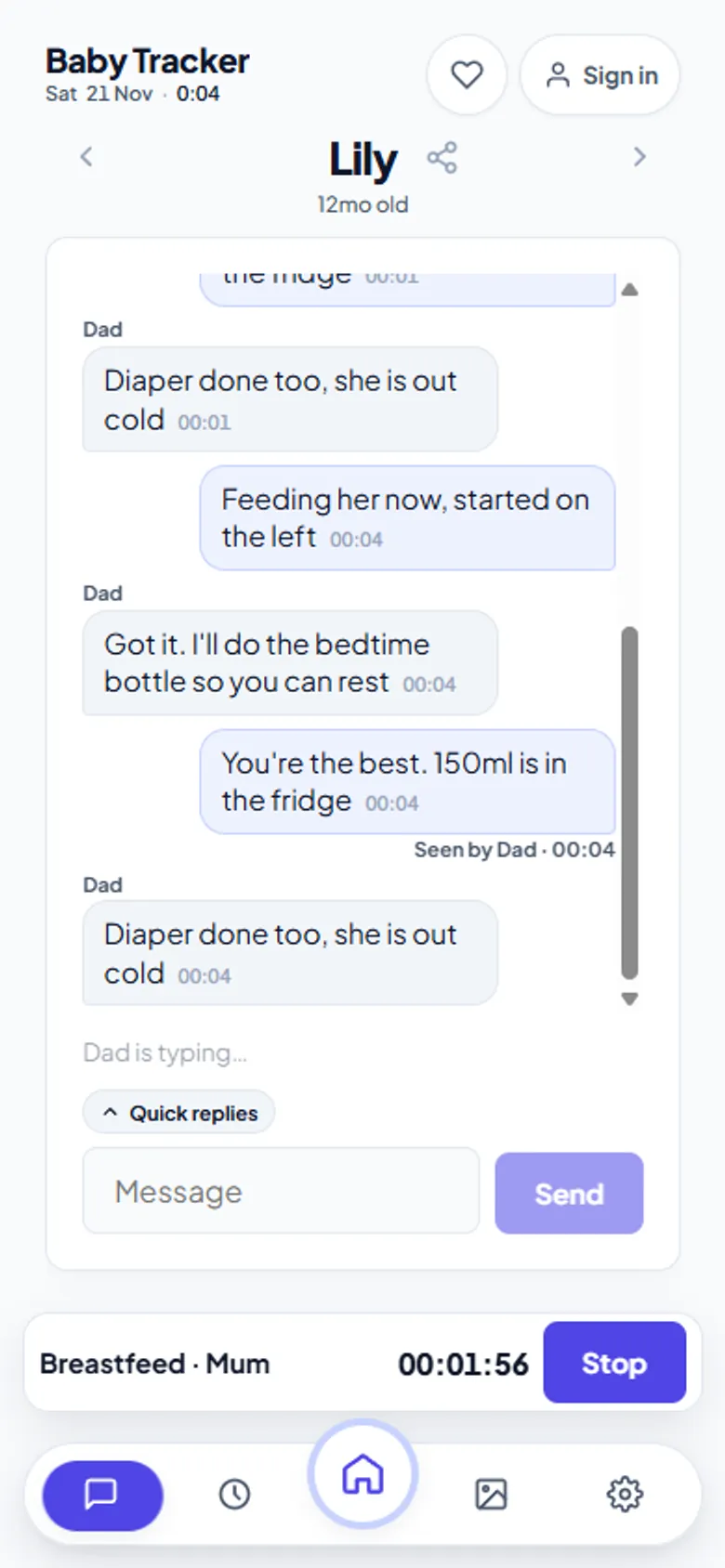
- One timer, every phone. Start a feed at 3 a.m. and your partner's screen shows the same timer ticking from the same start time. Either of you can stop it.
- Caregiver chat. Quick replies and reactions inside the log, so “did she eat?” never needs a separate group chat.
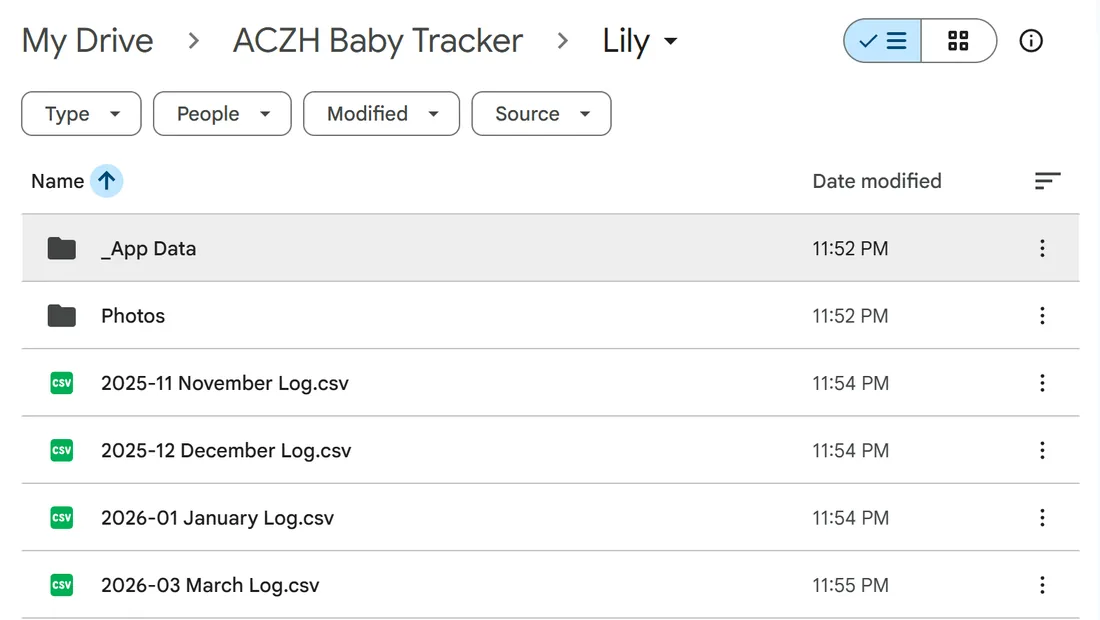
- Your data, your Drive. Each month is saved to your own Google Drive as JSON plus a CSV that opens in any spreadsheet. If aczh.dev vanished tomorrow, your history would still be there.
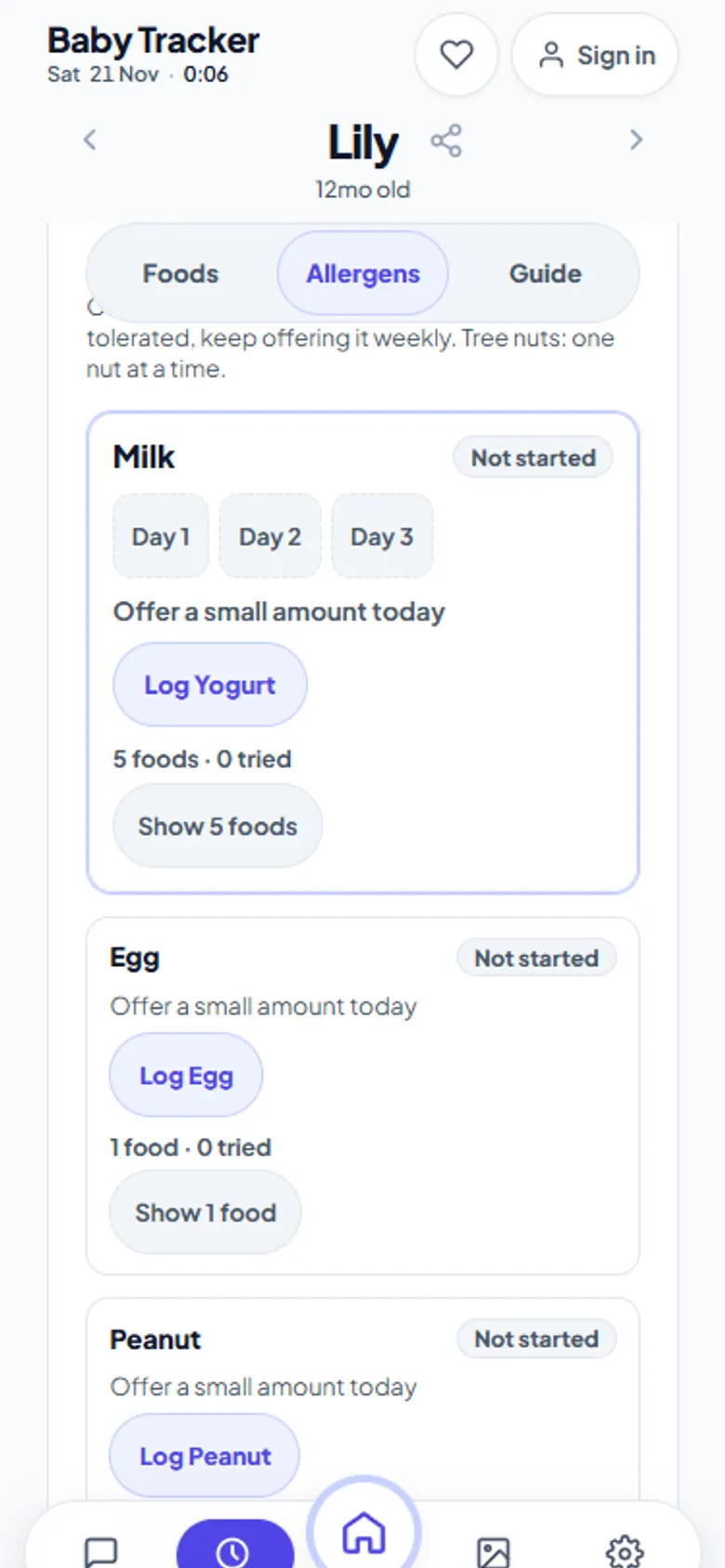
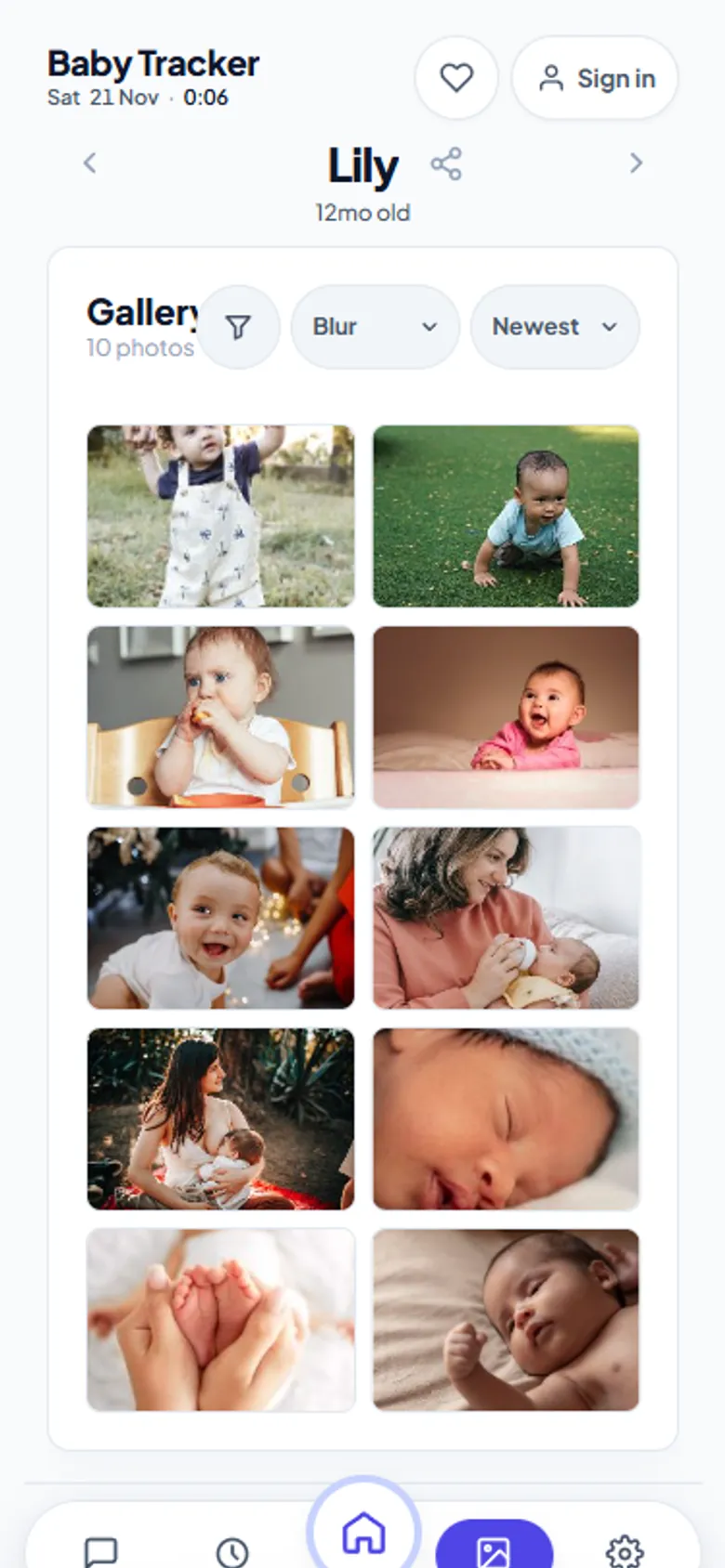
- Foods before one and milestones. A 100-food starter list with allergen tracking, plus milestones with photos and videos.
- Night-feed friendly. Dark and day/night themes that paint before the first pixel, so a 3 a.m. feed never opens on a white screen.
Honest limits
Baby Tracker is a web app, not an App Store download. You install it from the browser (Share › Add to Home Screen on iPhone, Install app on Android and desktop), and it then opens in its own window. Without Google Drive connected, history lives only in that browser. Connect Drive once to keep a permanent copy. Nara Baby also tracks pregnancy; Baby Tracker starts at birth.
Frequently asked questions
Is there a free alternative to Nara Baby?
Yes. Baby Tracker on aczh.dev is free with every feature included and no trial or subscription. It logs breastfeeds, pumping, bottles, combo feeds, diapers, sleep, growth and medical notes, with live timers shared between caregivers.
Can I move my Nara Baby data to Baby Tracker?
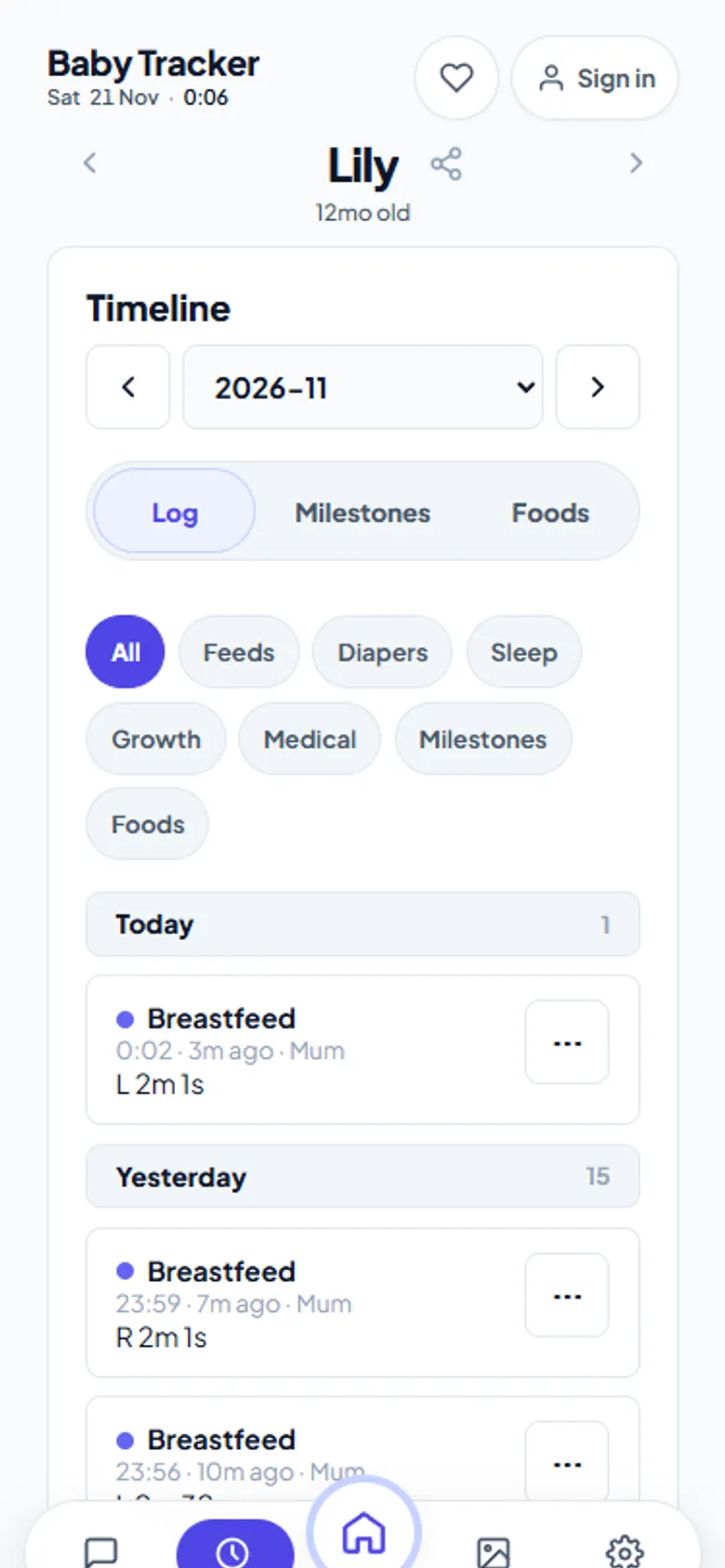
Yes. Export your history from Nara Baby as a CSV file, then open Settings, Import from Nara Baby in Baby Tracker and choose the file. A preview shows counts, dates and caregivers before anything is written, and re-importing never creates duplicates.
Does Baby Tracker have a free trial that ends?
No. There is no trial, no premium tier and no feature that switches off later. The site is funded by optional contributions, not subscriptions.
Do both parents need an account?
No. One parent creates the child and shares the invite code or link; the other joins from any browser, signed in or anonymous, and sees the same live log.
Is Baby Tracker affiliated with Nara Baby?
No. Baby Tracker is an independent tool on aczh.dev. Nara Baby is a trademark of its owner and is mentioned here only to describe compatibility with its CSV export.