How to export your Nara Baby data and keep it
Your baby's feeding and sleep history belongs to you. Here is how to get it out of Nara Baby as a CSV file, what is inside that file, and how to import all of it into Baby Tracker. That is a free shared log, and nothing in it is locked behind a subscription.
- Free, no trial
- No account
- Unlimited caregivers
- Saves to your Google Drive
- Works offline
Step 1: export your history from Nara Baby
- Open the Nara Baby app and go to its settings.
- Find the data export option and export your activity history as a CSV file.
- Save the file somewhere you can reach from your browser — Files, Google Drive, or email it to yourself.
Export before a trial ends. If Nara Baby is prompting you to subscribe, export first. Do it while you can still reach every screen of the app, and keep the CSV even if you never switch. It is a plain spreadsheet and a complete backup of your logs.
Step 2: import it into Baby Tracker
- Open Baby Tracker. No account is needed.
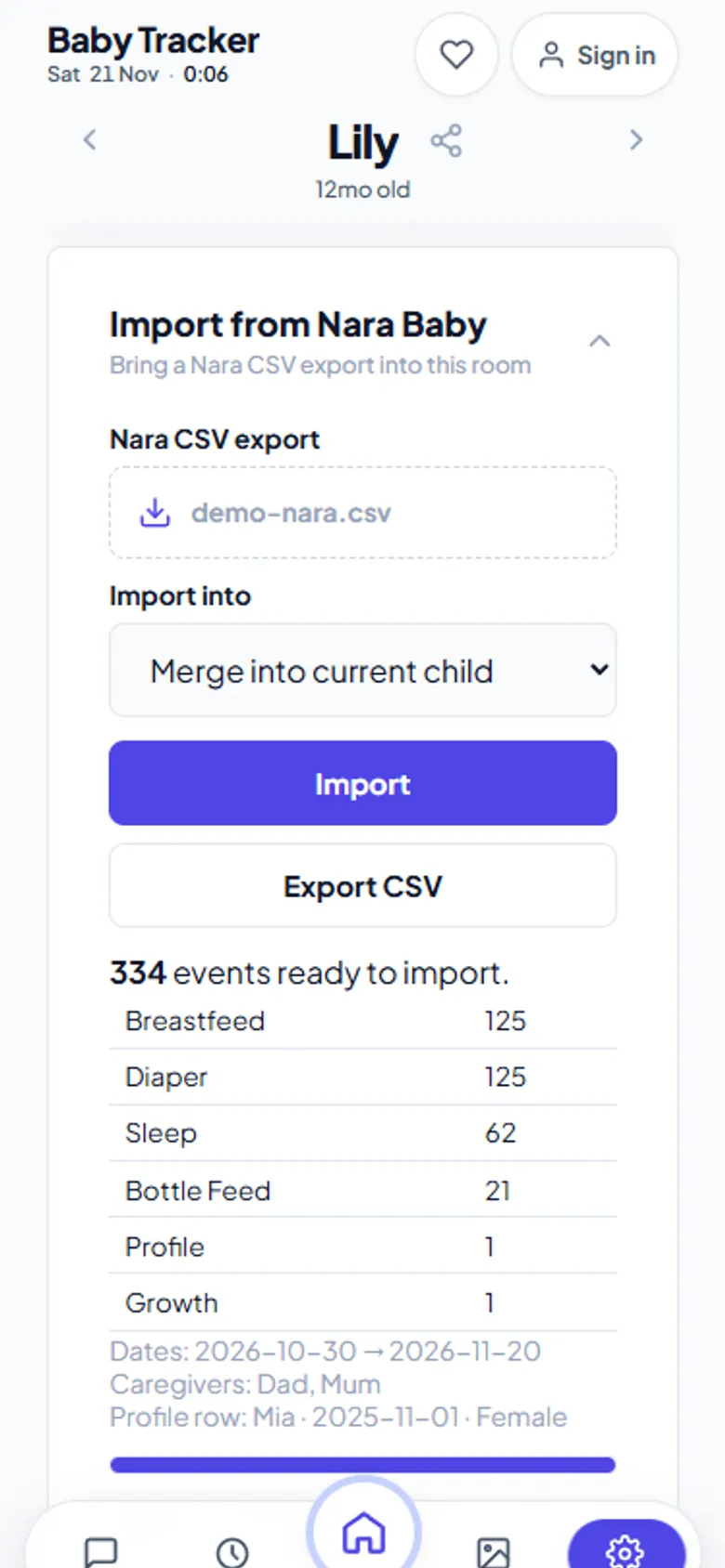
- Go to Settings › Data & backup › Import from Nara Baby.
- Choose your CSV. Pick New child (prefill from file) to create the profile from Nara's name, birthdate and sex. Pick Merge into current child to add to a log you already started.
- Check the preview: event counts per type, the first and last date, and caregiver names. Then press Import.
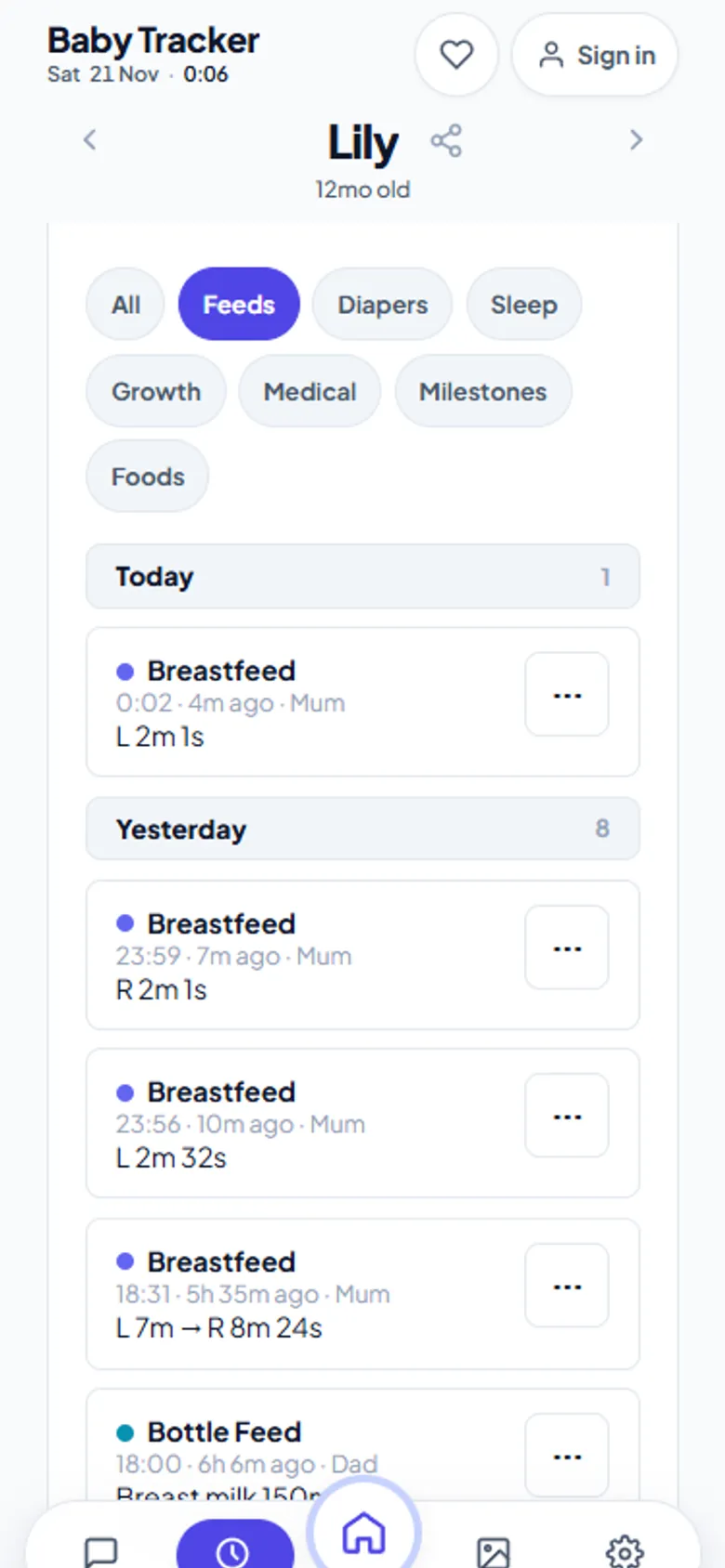
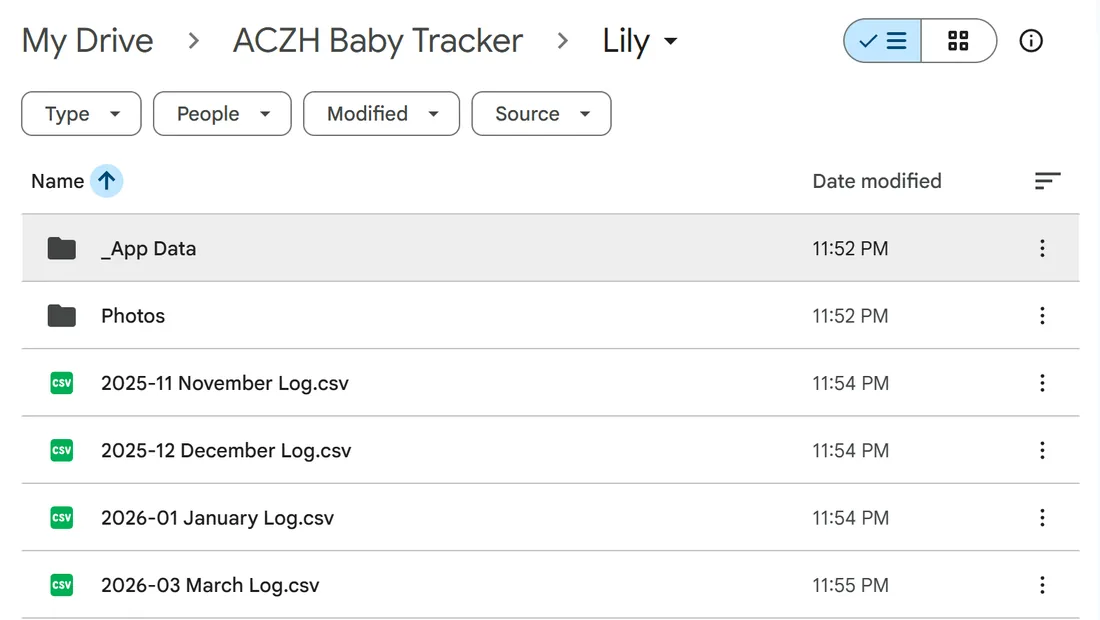
- Connect Google Drive when prompted to keep a permanent copy. Each month is written as a JSON log plus a CSV mirror.
What is in a Nara CSV, and where it goes
| Nara type | Fields imported |
|---|---|
| Breastfeed | Begin side, end side, left duration, right duration |
| Pump | Duration; left, right and total volume with units |
| Bottle Feed | Bottle type, breast milk volume, formula name and volume, total volume, units |
| Combo Feed | Breastfeed sides and durations plus the bottle portion |
| Diaper | Type, detail, dirty colour, dirty texture |
| Sleep | Start and end time |
| Growth | Measurements as recorded |
| Medical | Medication, temperature |
| Every row | Start time, end time, note, caregiver, time zone |
| Profile row | Child's name, birthdate and sex |
How the import keeps your data exact
- Exact times. Start and end times are read from Nara's
(Epoch)millisecond columns, never the human-readable date text. Time zones and 12/24-hour formats cannot shift a feed. - No duplicates. Each Nara row has an
_activityKey, which becomes the event id. Re-importing the same file, or a newer overlapping export, updates in place instead of doubling up. - Nothing silently dropped. Rows the importer cannot place are listed as warnings in the preview. So are unknown types and rows with a synthesized id.
- Forward compatible. Extra columns that newer Nara versions add are ignored safely instead of breaking the import.
What this cannot do
The import reads Nara's CSV export, not your Nara account. It cannot pull data directly from Nara's servers, and it cannot sync both apps continuously. Photos stored inside Nara are not part of its CSV, so they do not carry over; save them from Nara separately. Pregnancy logs are not imported, because Baby Tracker starts at birth.
Frequently asked questions
How do I export my data from Nara Baby?
Open the Nara Baby app's settings, use the data export option and save your activity history as a CSV file. Keep it somewhere your browser can open, such as Files, Google Drive or an email to yourself.
What can I do with a Nara Baby CSV export?
Open it in any spreadsheet, keep it as a backup, or import it into Baby Tracker on aczh.dev, a free shared baby log that reads every Nara activity type and keeps the exact times.
Will importing my Nara data twice create duplicates?
No. Every Nara activity has a stable key that Baby Tracker uses as the event id, so importing the same or an overlapping file updates events in place.
Are photos included in the Nara Baby export?
No. The Nara CSV export holds activity rows and the child profile, not photos. Save any photos from Nara separately before you stop using it.