A private baby tracker: your baby's data lives in your Drive
Most baby apps keep years of your child's feeds, photos and health notes on their own servers, behind their own login. Baby Tracker writes everything to your Google Drive as ordinary files. Its server only relays live updates between your devices and keeps chat for 24 hours. There is no payment, no account and no ads.
- Free, no trial
- No account
- Unlimited caregivers
- Saves to your Google Drive
- Works offline
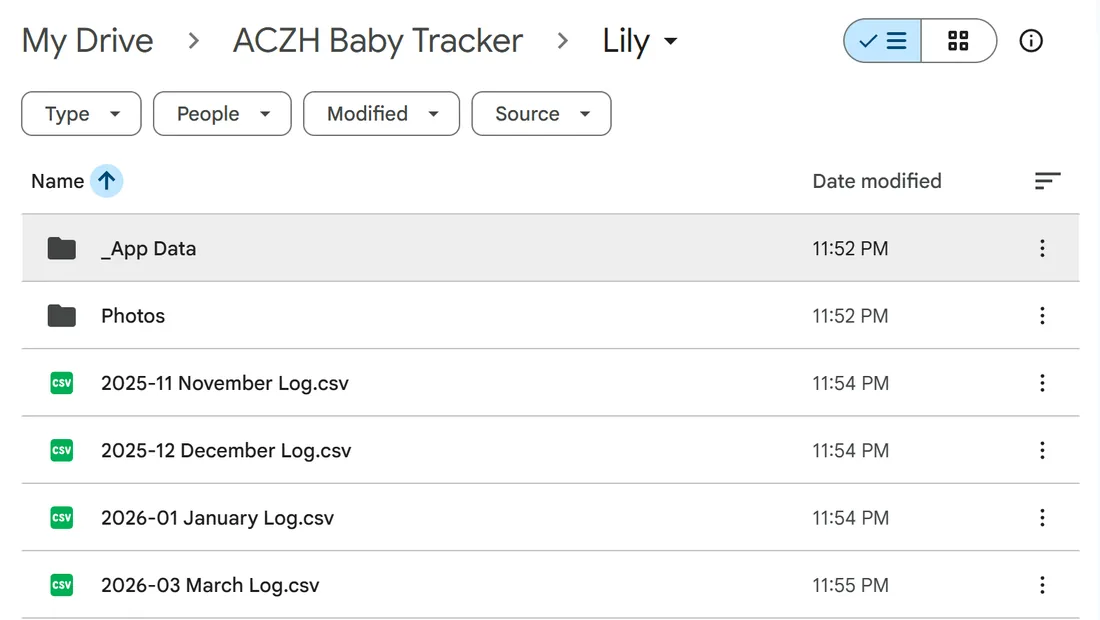
Exactly where your data lives
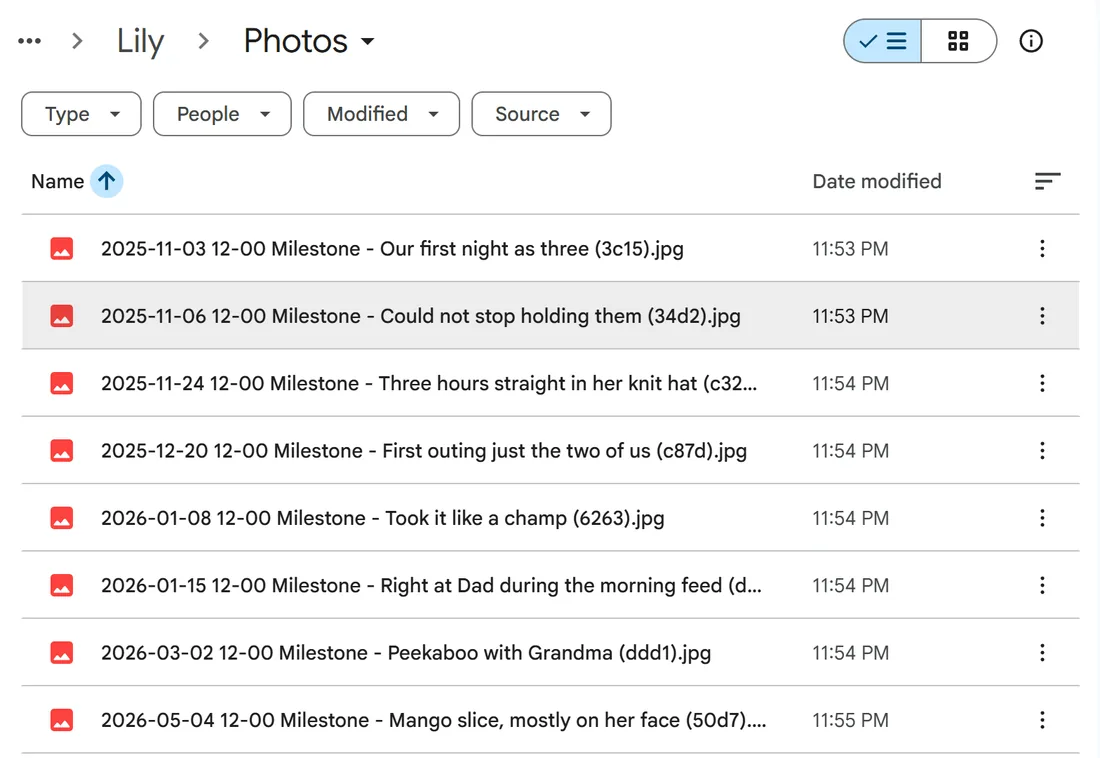
- Monthly CSV logs. One spreadsheet per month, every feed, diaper, nap, growth and medical entry, readable in Sheets or Excel.
- JSON logs. The machine-readable copy the app syncs from, in
_App Data. - Photos and videos. Milestone media in the
Photosfolder. - An About file. A plain text note naming the child and explaining the folder, so it still makes sense to you in ten years.
What the aczh.dev server keeps
| Data | Where it lives | How long |
|---|---|---|
| Feeds, sleep, diapers, growth, medical | Your Drive (and your browser) | As long as you keep the files |
| Photos and videos | Your Drive | As long as you keep the files |
| Live timer updates | Relayed through aczh.dev | A short replay window of recent changes |
| Chat messages | aczh.dev relay | 24 hours (rooms with shared Drive storage also archive monthly to Drive) |
| Payment details | Nowhere | There is nothing to pay |
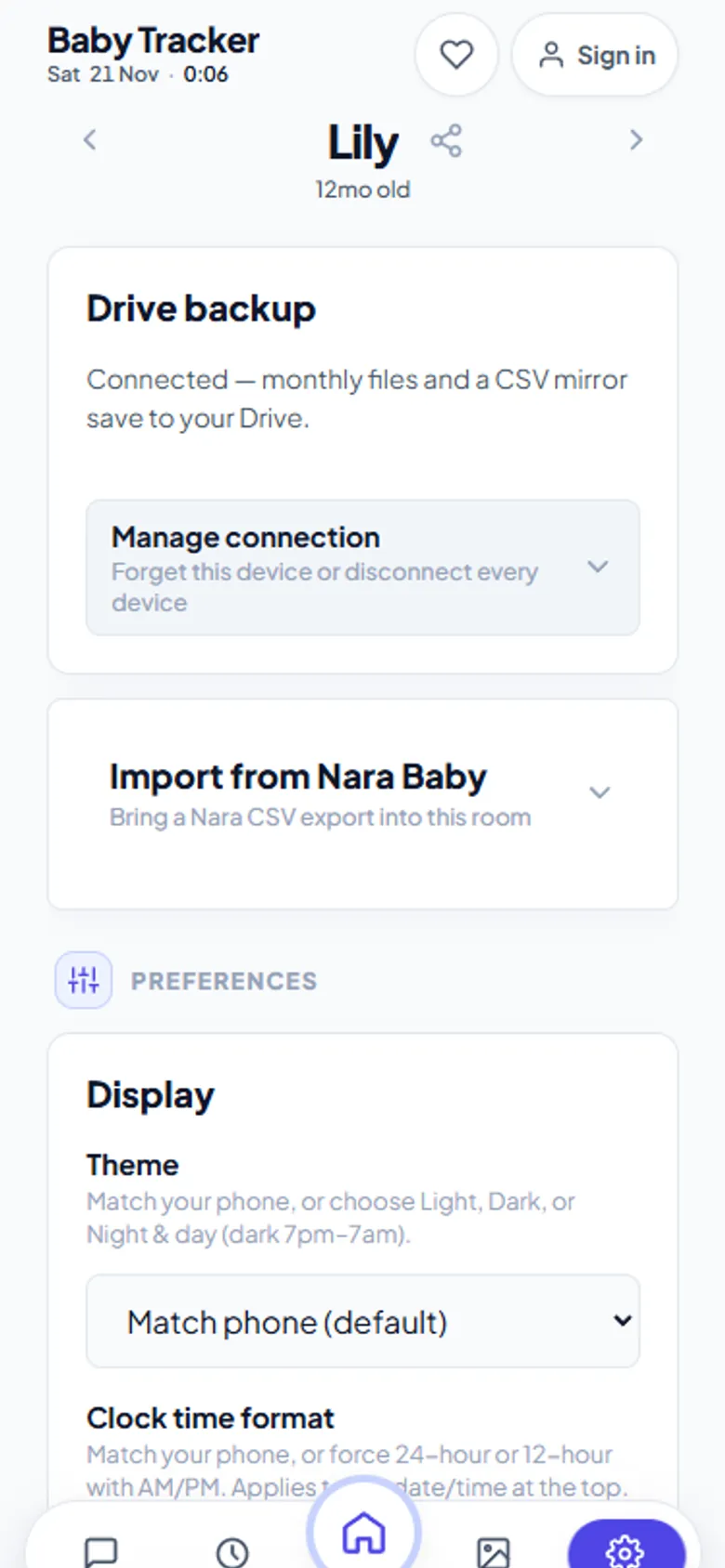
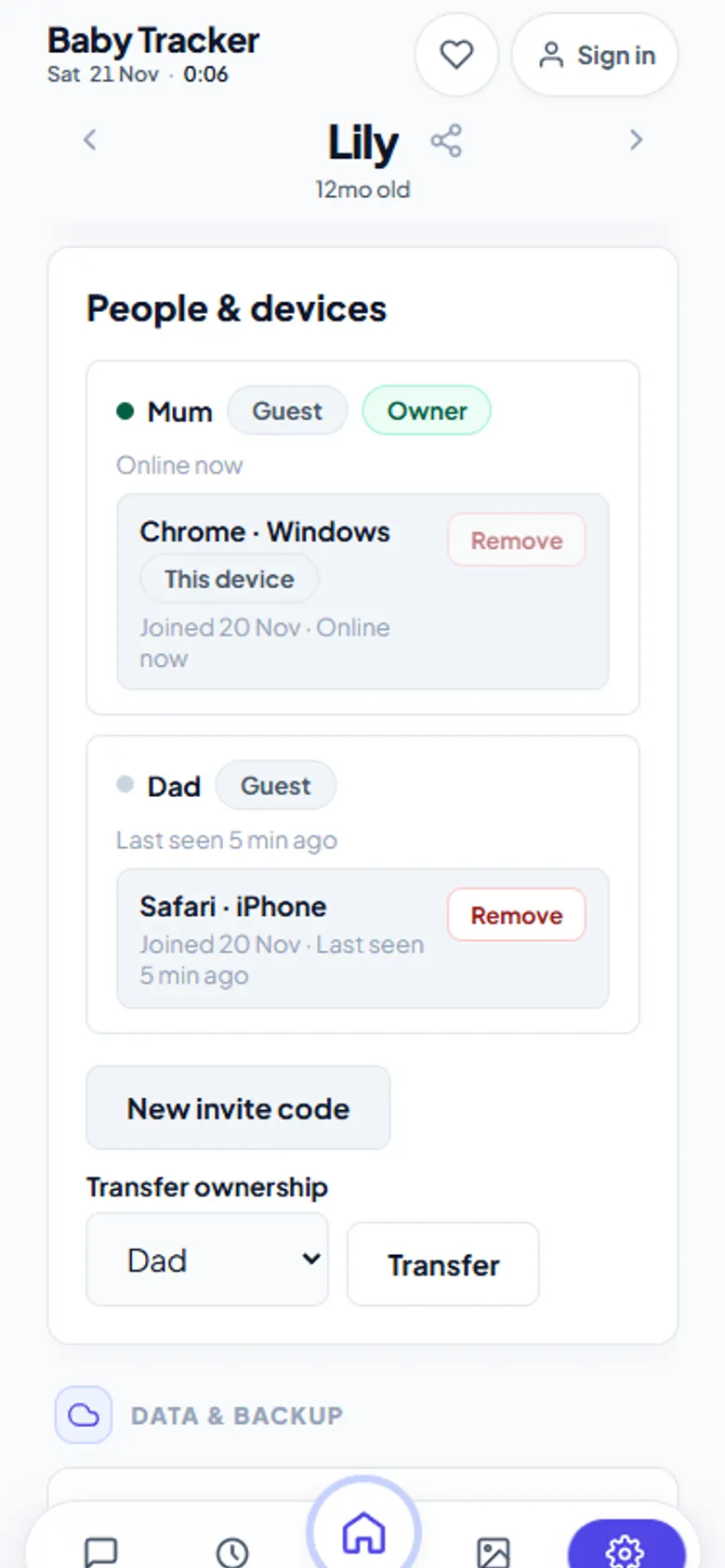
Google access is limited to the app's own files
Baby Tracker asks Google for the drive.file permission. That lets it see only files it created, not the rest of your Drive. Access tokens stay in the browser's memory and are never sent to the aczh.dev server. An optional aczh.dev account can keep Drive connected between visits; it is never required.
If you stop using it, or the site goes away
Nothing is lost. The CSVs open in any spreadsheet, the photos are ordinary image and video files, and the folder is yours. You can also press Export CSV in Settings at any time. Compare that with apps where leaving means losing the history, or paying to keep it.
Honest limits
You need a Google account for backup; other cloud providers are not supported yet. The app always uses its own ACZH Baby Tracker folder rather than one you pick. Without Drive connected, data stays in one browser and is lost if you clear it.
Frequently asked questions
Does Baby Tracker store my baby's data on its servers?
No long-term. Logs, photos and milestones save to your own Google Drive. The aczh.dev relay passes live updates between your devices and keeps chat messages for 24 hours.
Can Baby Tracker see my other Google Drive files?
No. It uses Google's drive.file permission, which only allows access to files the app created itself.
What happens to my data if I stop using the app?
It stays in your Google Drive as CSV spreadsheets, JSON files and ordinary photos and videos, which you can open without the app.
Do I have to pay or create an account?
No. Baby Tracker is free, needs no payment details, and works without an account.